Collection
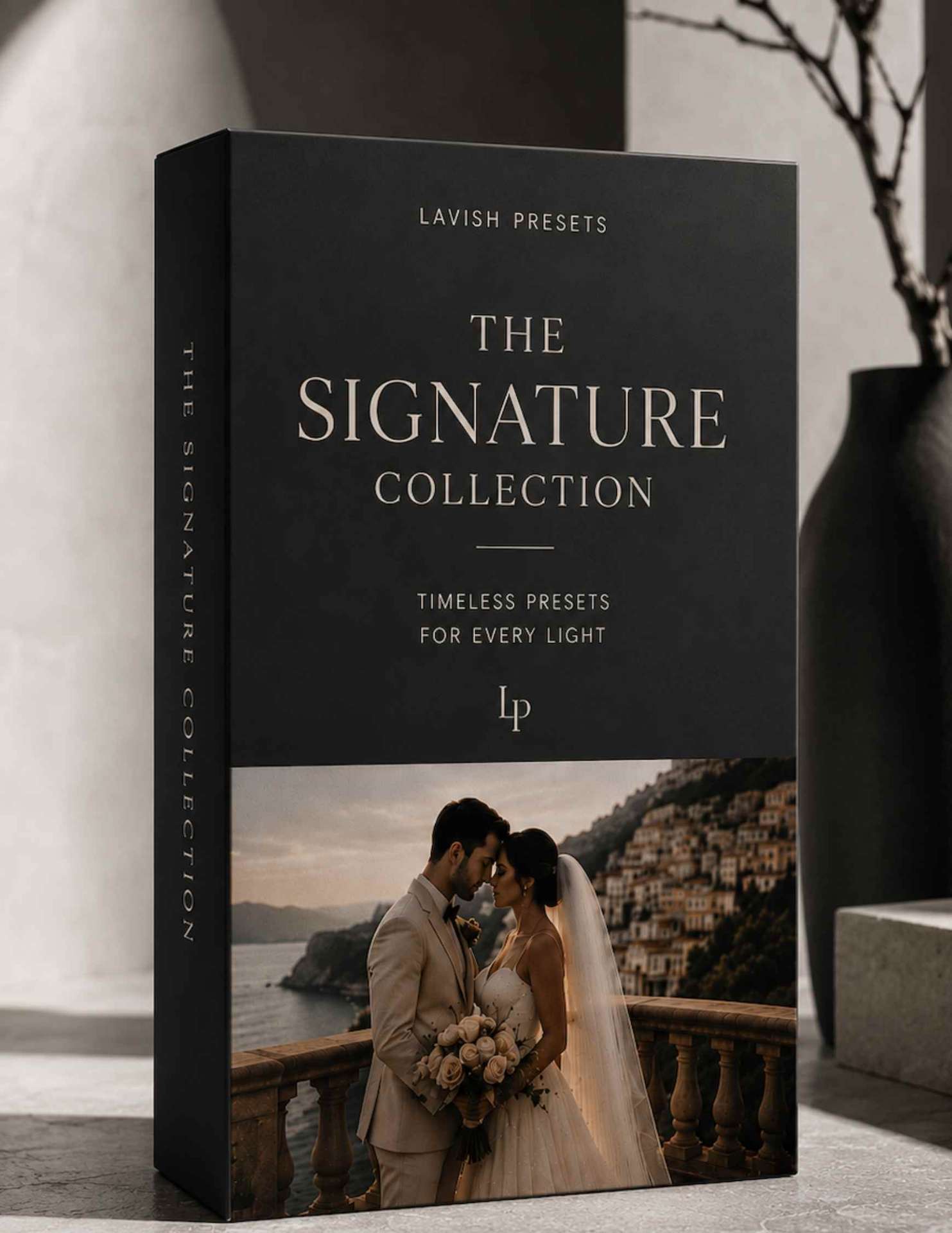
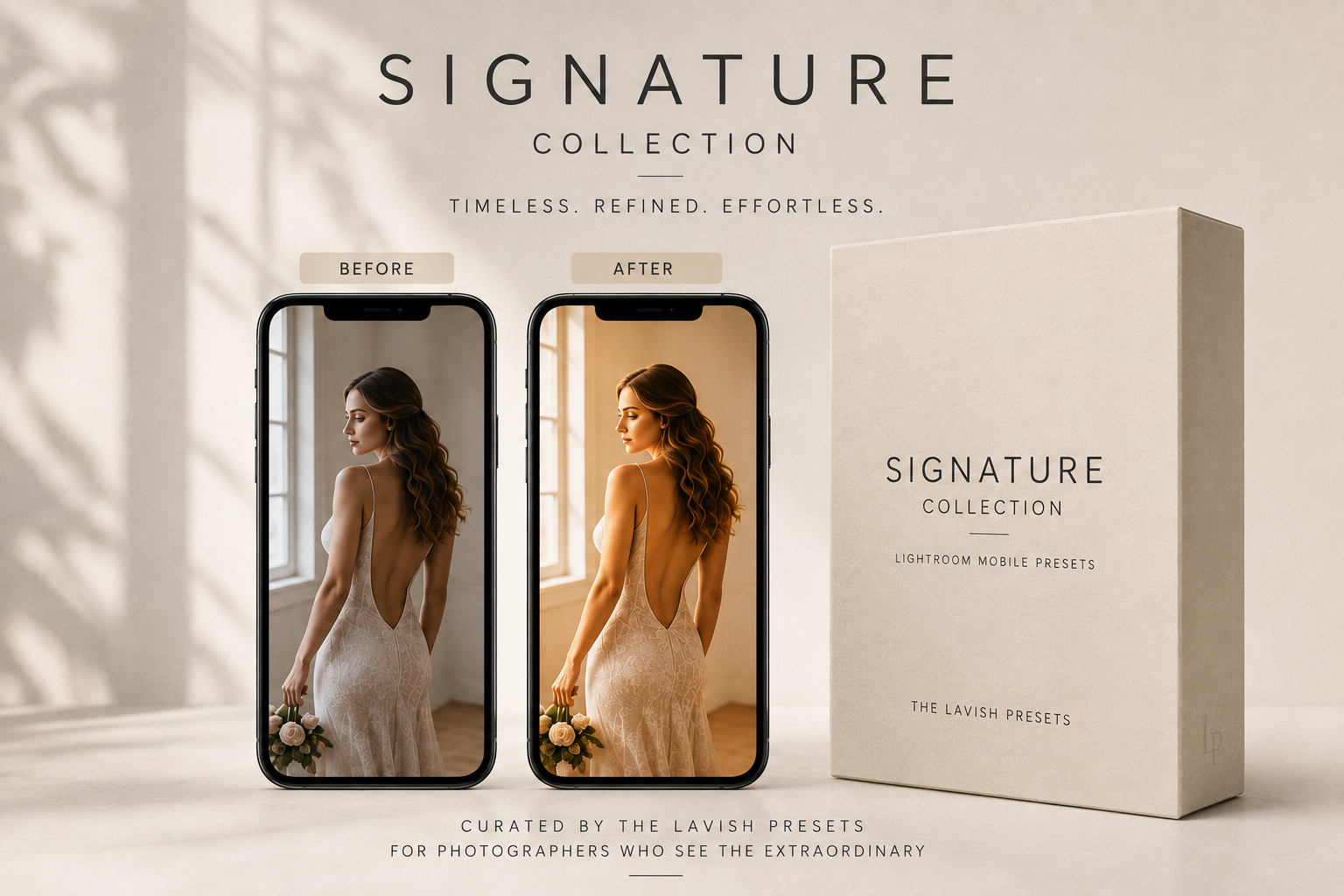
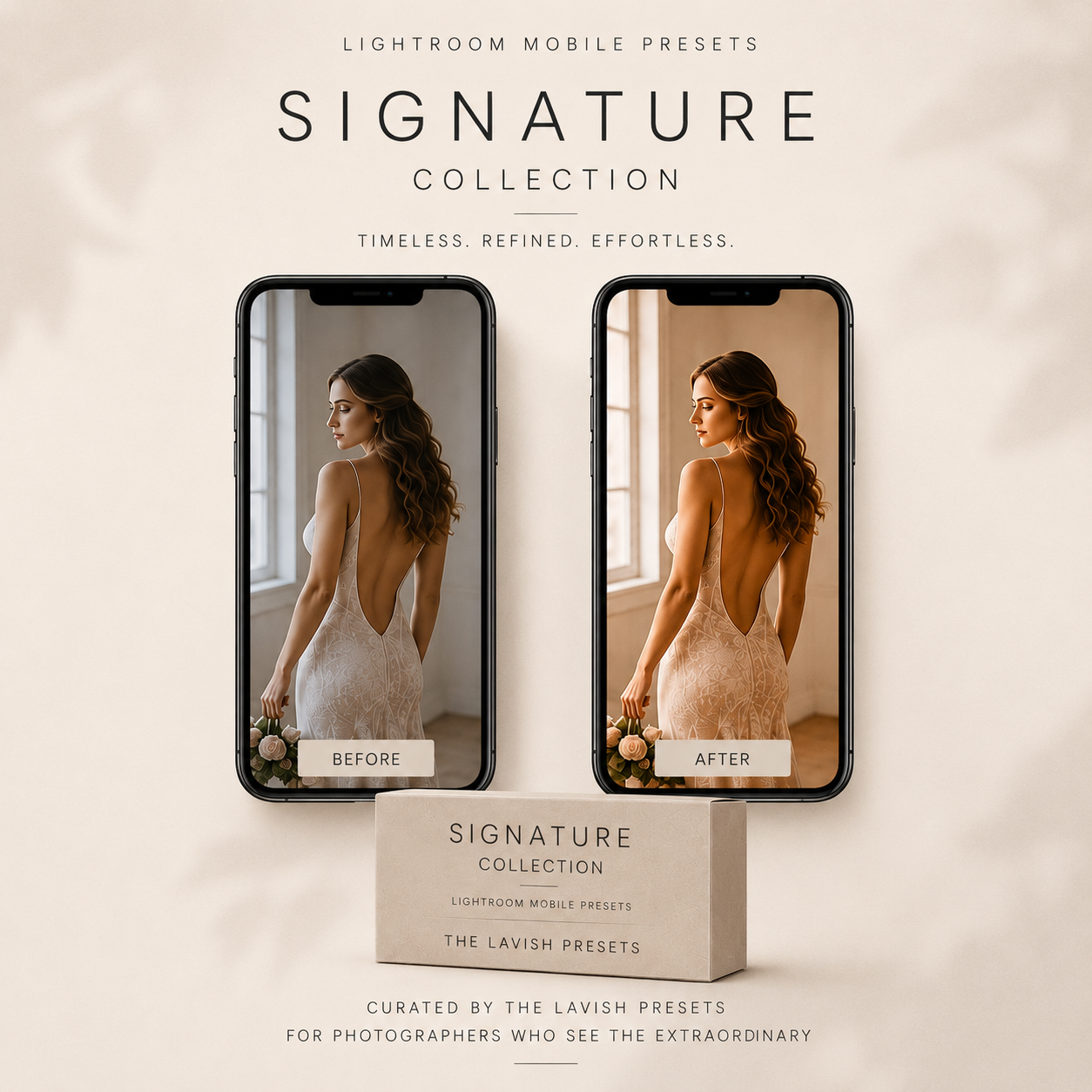
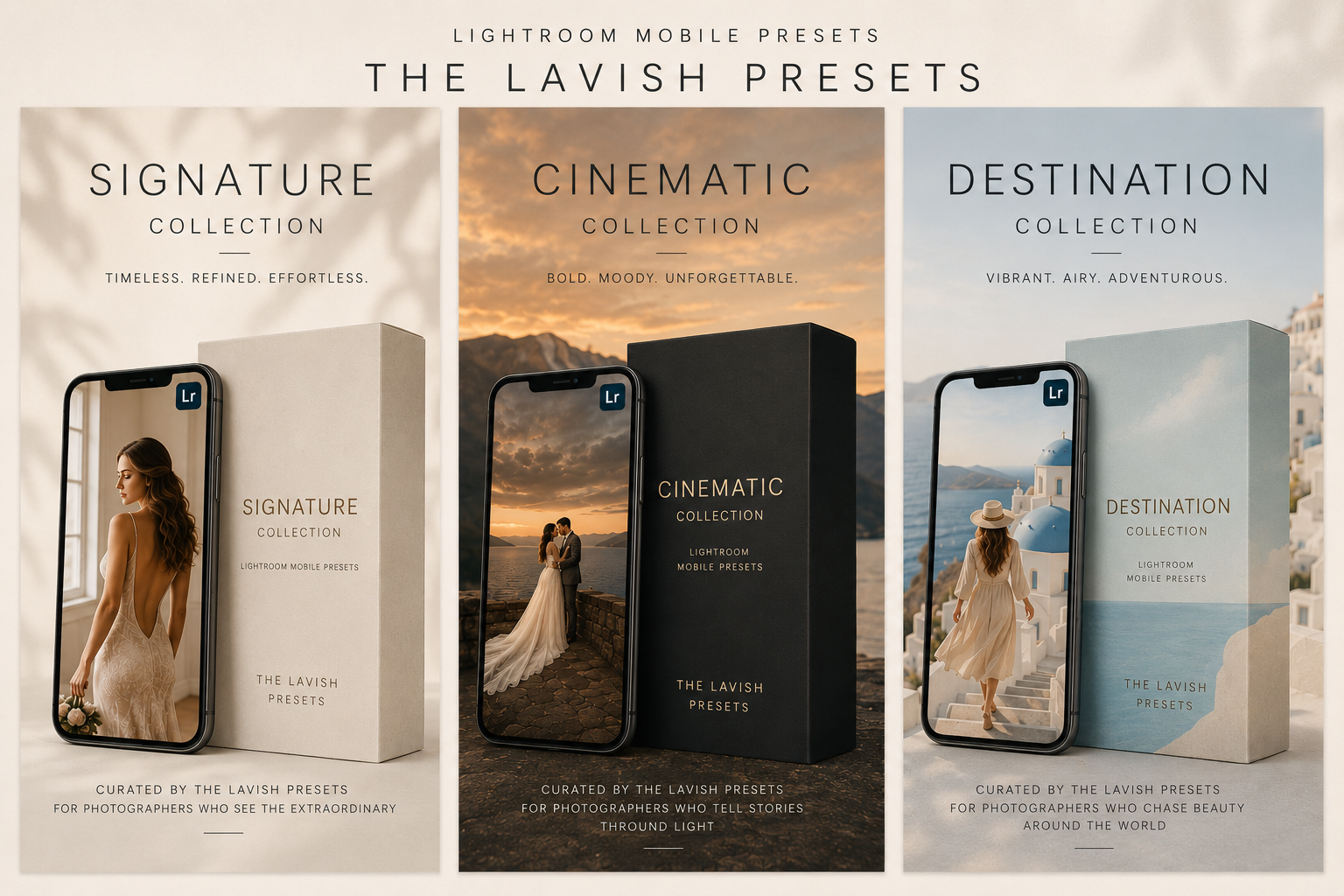
Signature CollectionTimeless. Elegant. Everyday.
Clean, true-to-life edits with soft light and beautiful skin tones — your go-to for families, couples, newborns and everyday portraits.
$79 Buy now
✦ Free GiftClaim your signature Lightroom preset — on us.
Lightroom Mobile · iPhone + Android
The full Lavish color grade — now one tap away. Post feed-ready images on the plane, in the car, in line for coffee. No laptop. No excuses. Works with the free Adobe Lightroom Mobile app.
Mobile-First
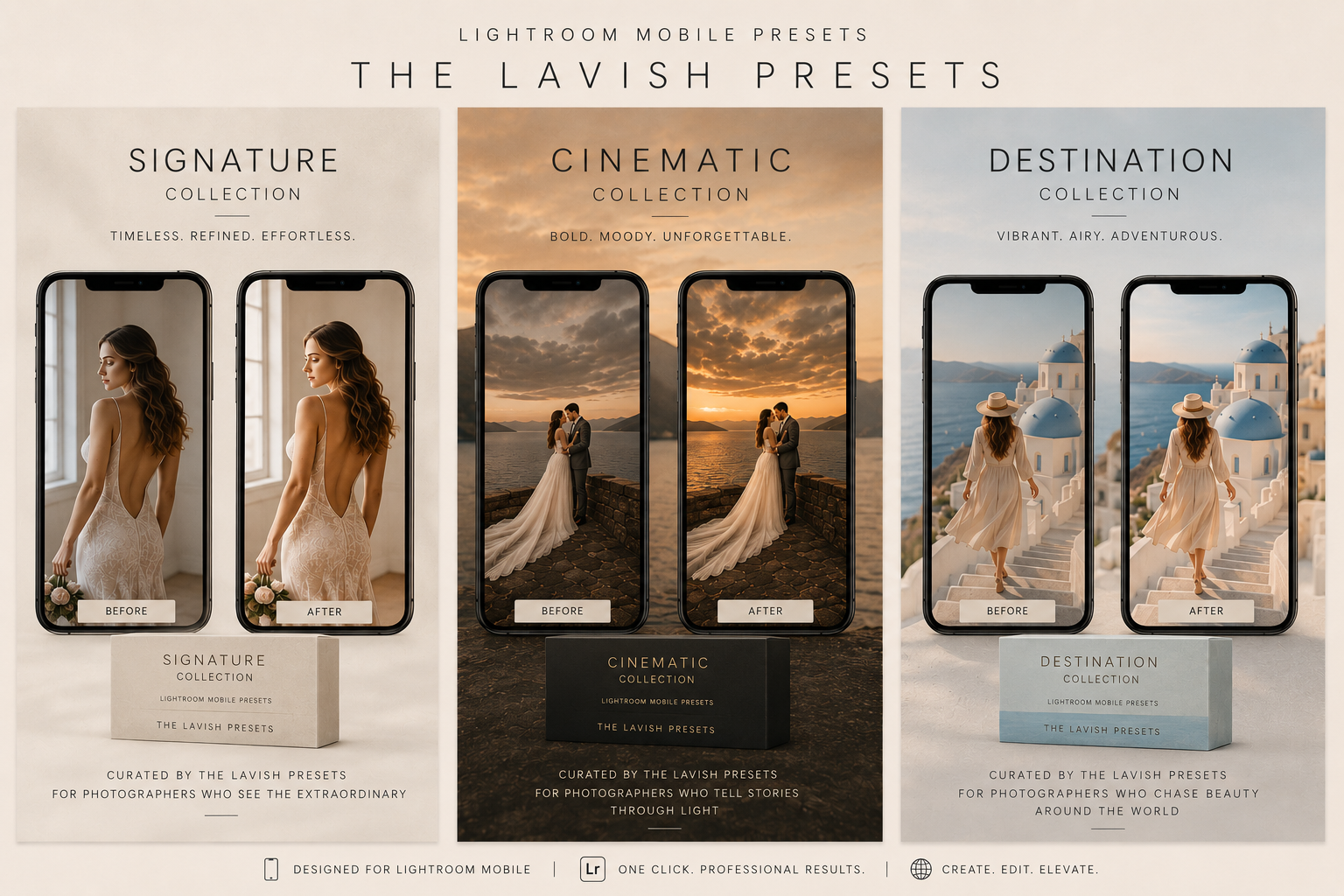
Every Lavish collection includes DNG files made for the free Adobe Lightroom Mobile app. Whether you're editing at a café in Rome or in the back of an Uber, your photos stay consistent with your brand.
Lightroom Mobile
Signature Collection
Signature Collection
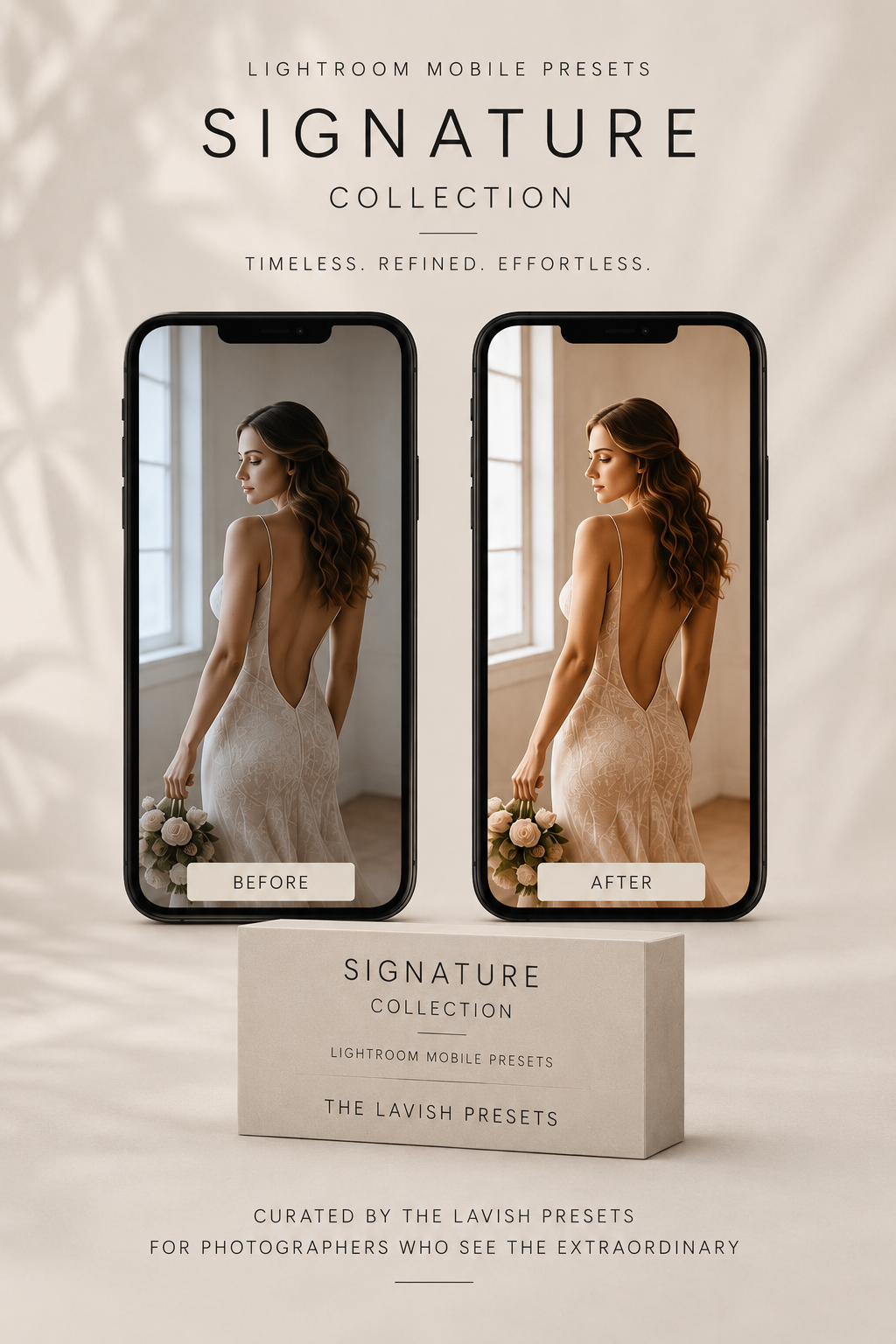
One tap in Lightroom Mobile — see the before and after for yourself.
Cinematic Collection
For photographers who tell stories through light — deep skies, rich shadows, golden warmth.
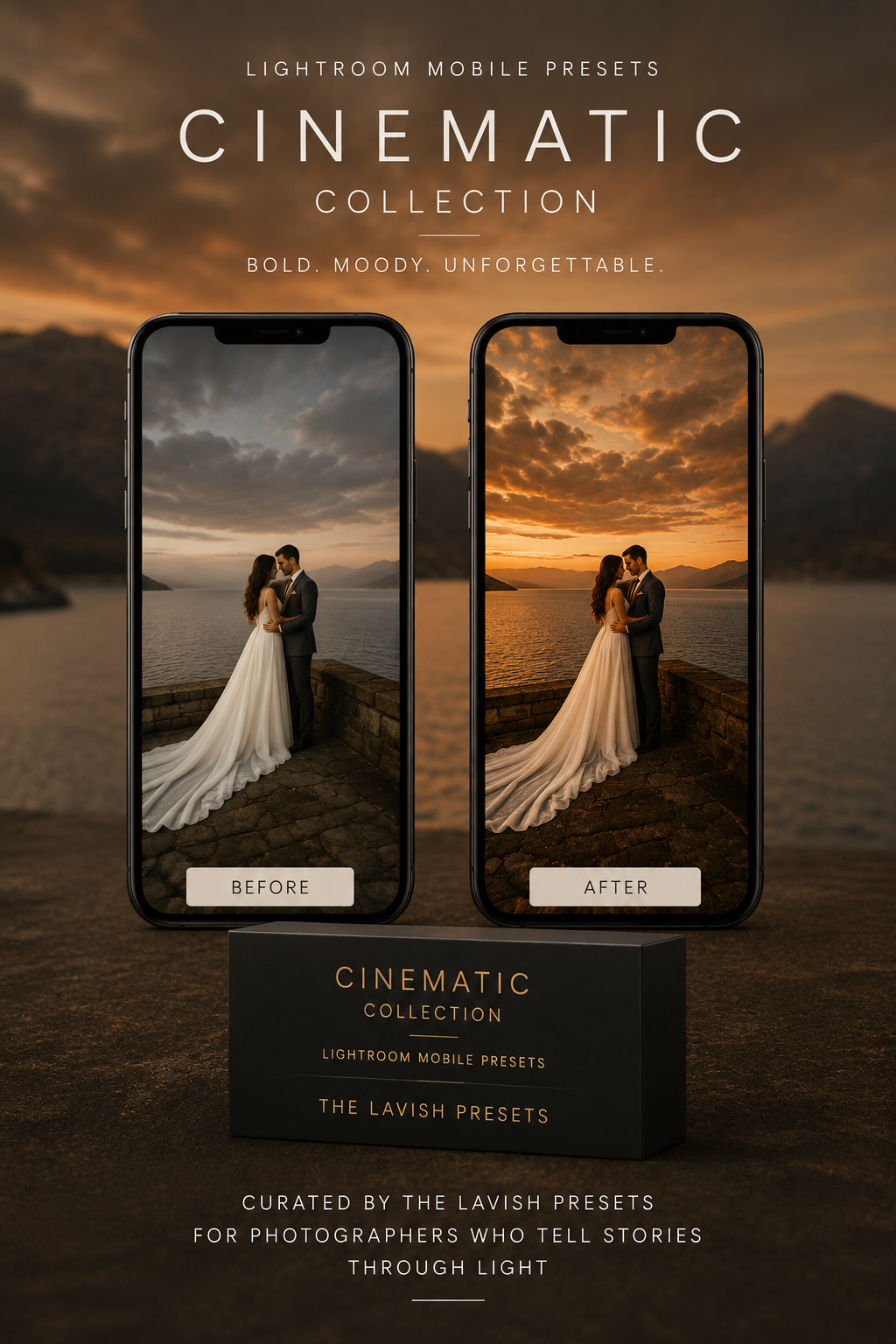
The same photo, before and after — real camera-roll images edited with one tap in Lightroom Mobile. Drag each slider to reveal the difference.
Scroll →
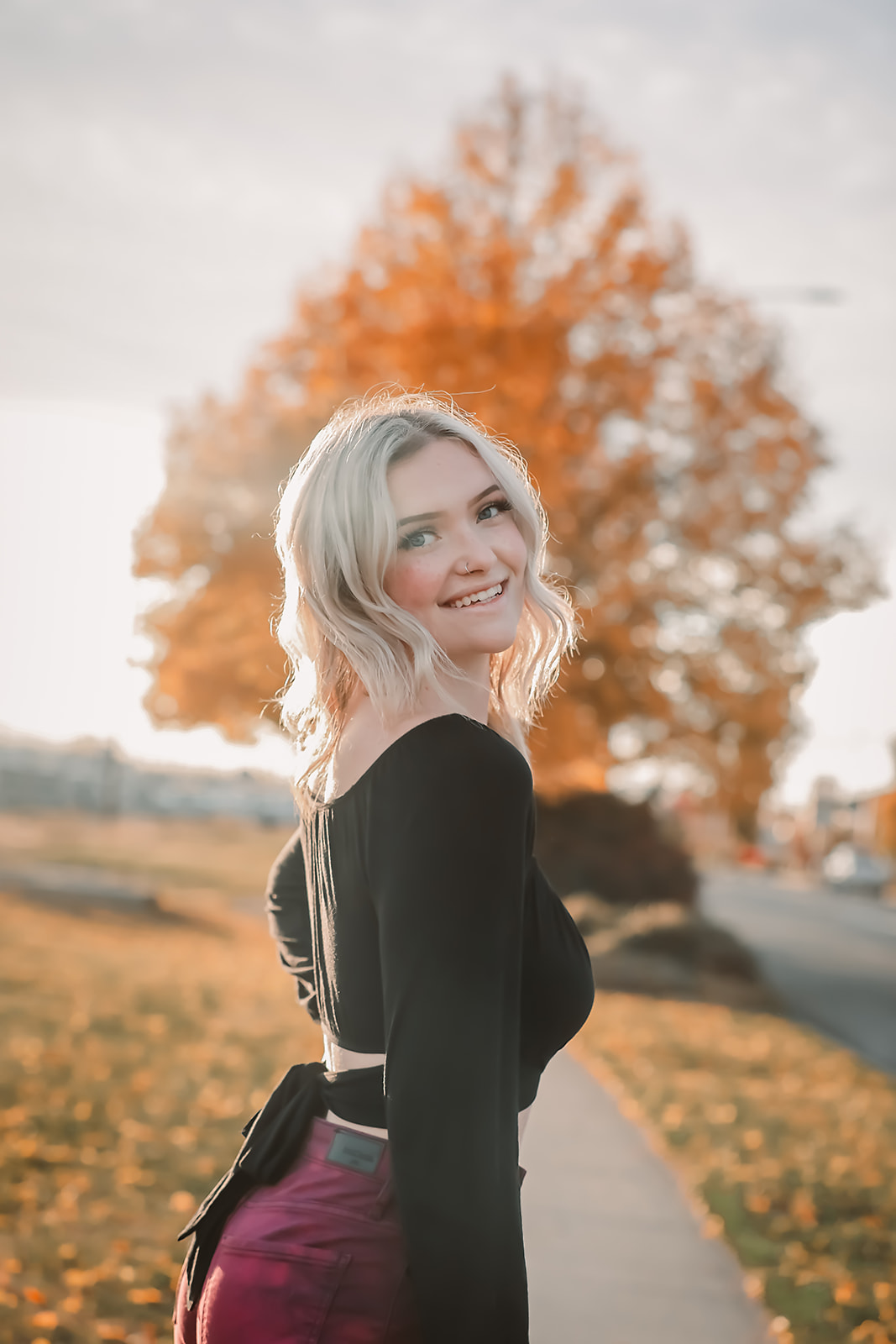
Golden hour portrait
Cinematic · Deep shadows, warm skin
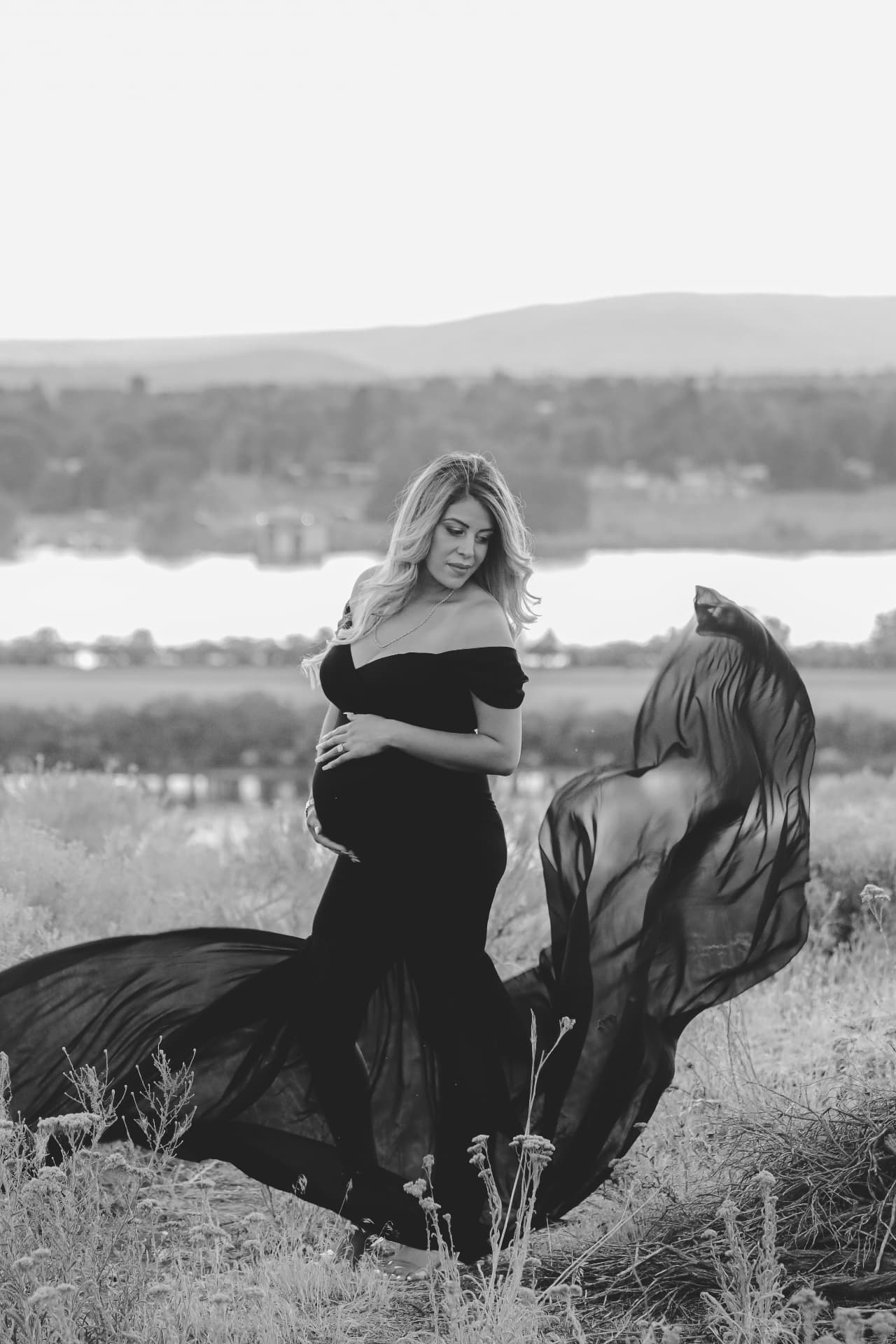
Maternity, filmic
Cinematic · Soft filmic contrast
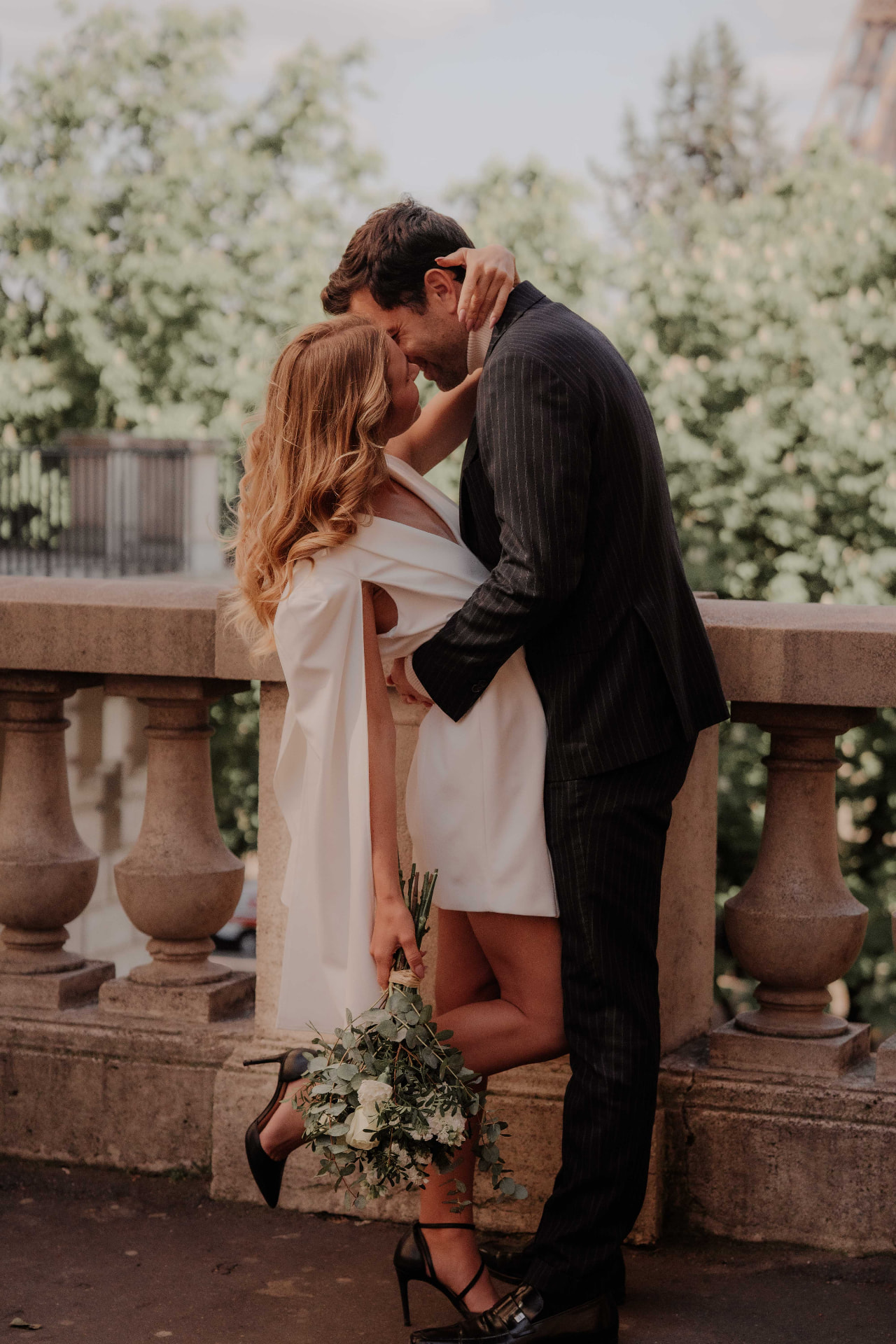
Paris couple
Cinematic · Moody amber light
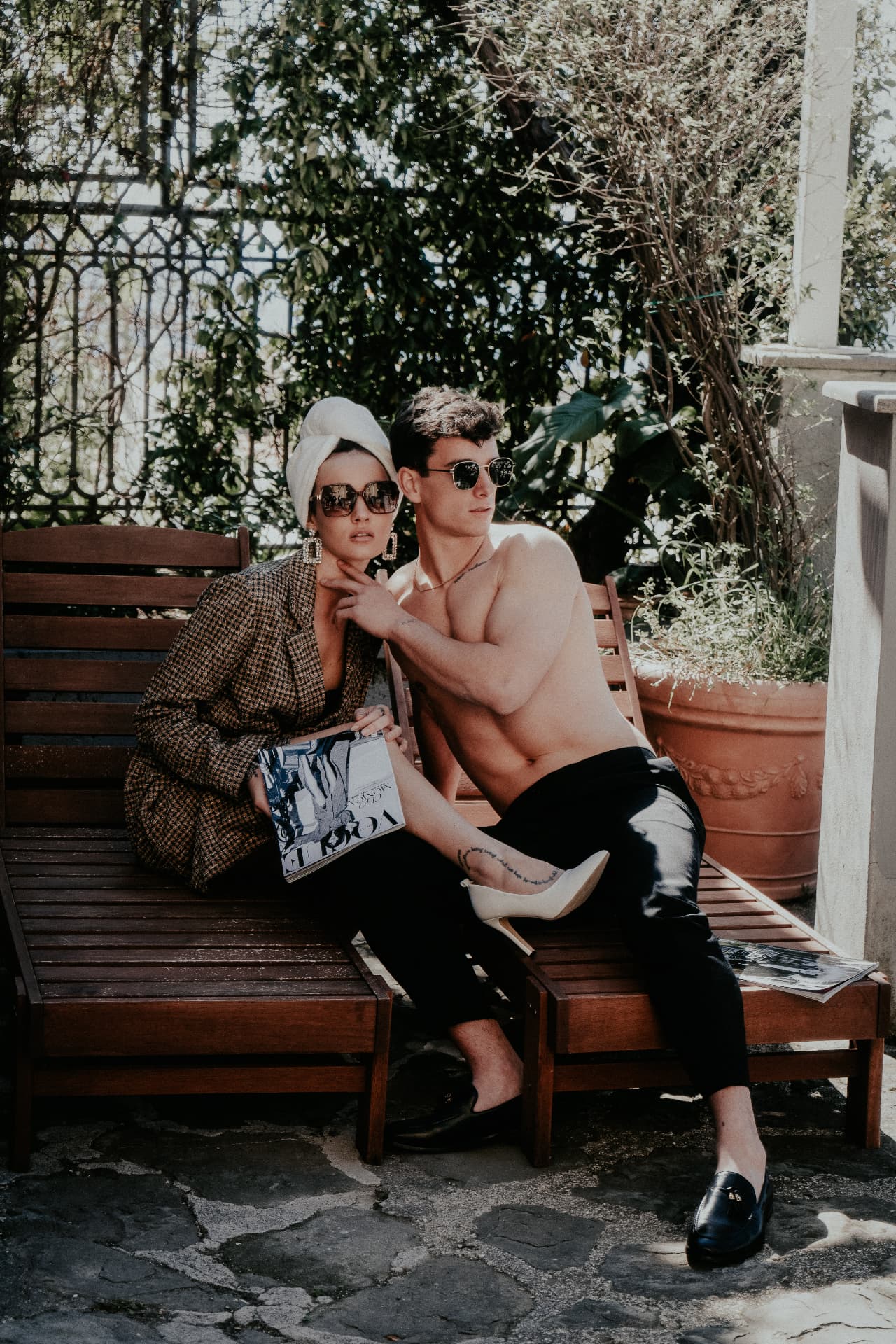
Poolside editorial
Cinematic · Rich filmic shadows
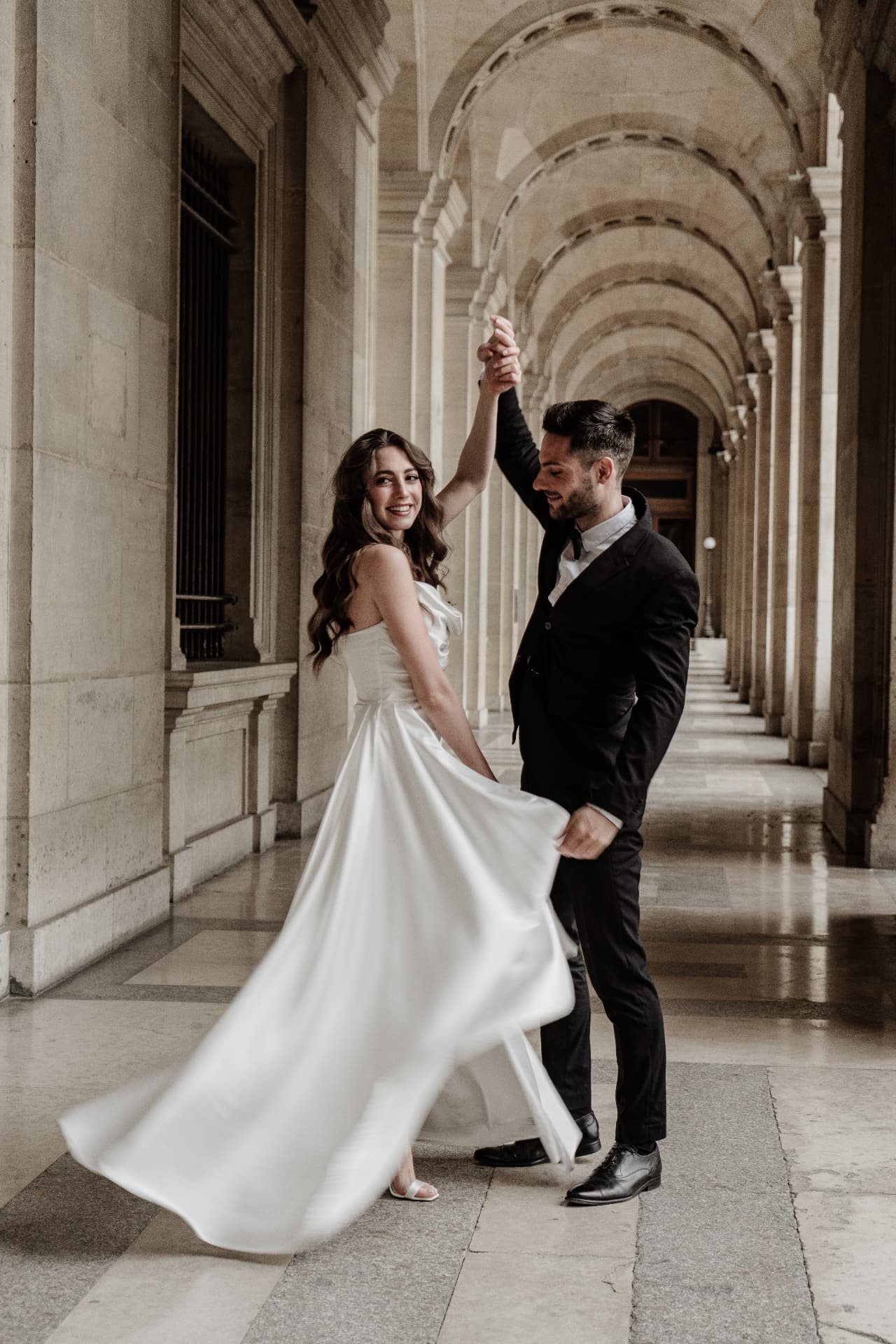
Louvre corridor
Cinematic · Deep charcoal contrast
Includes mobile .dng files · Instant delivery
3 Easy Steps
Step 1
After purchase, save the included DNG files directly to your phone camera roll.
Step 2
Import a DNG into the free Adobe Lightroom Mobile app to create a preset from the image.
Step 3
Select your photo and tap the preset — then fine-tune exposure and warmth to taste.
Mobile-Ready Collections
Collection
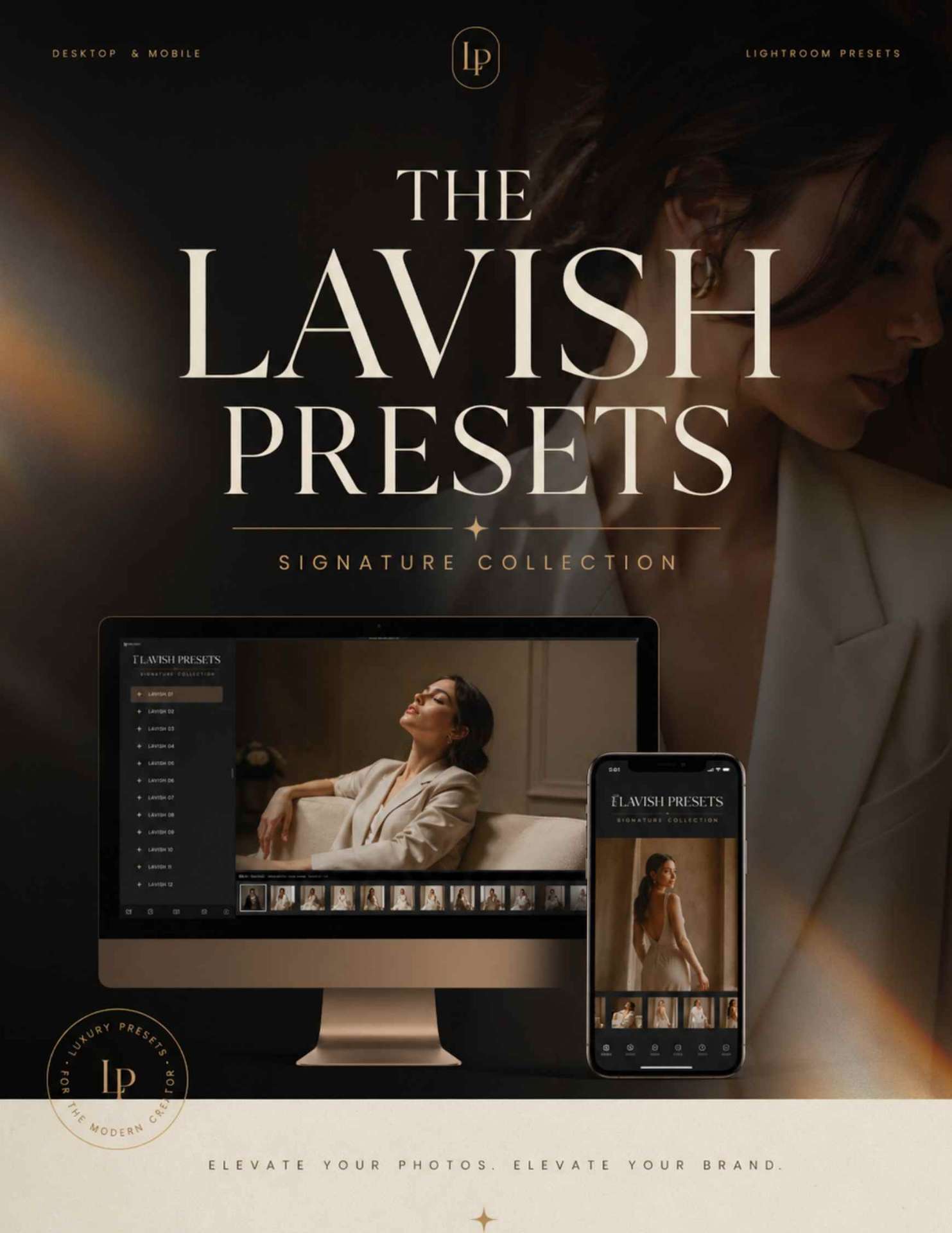
Signature CollectionTimeless. Elegant. Everyday.
Clean, true-to-life edits with soft light and beautiful skin tones — your go-to for families, couples, newborns and everyday portraits.
Collection
Cinematic CollectionBold. Editorial. Storytelling.
Rich contrast, dramatic depth and luxurious tones that turn every image into a fashion-film masterpiece.
Collection
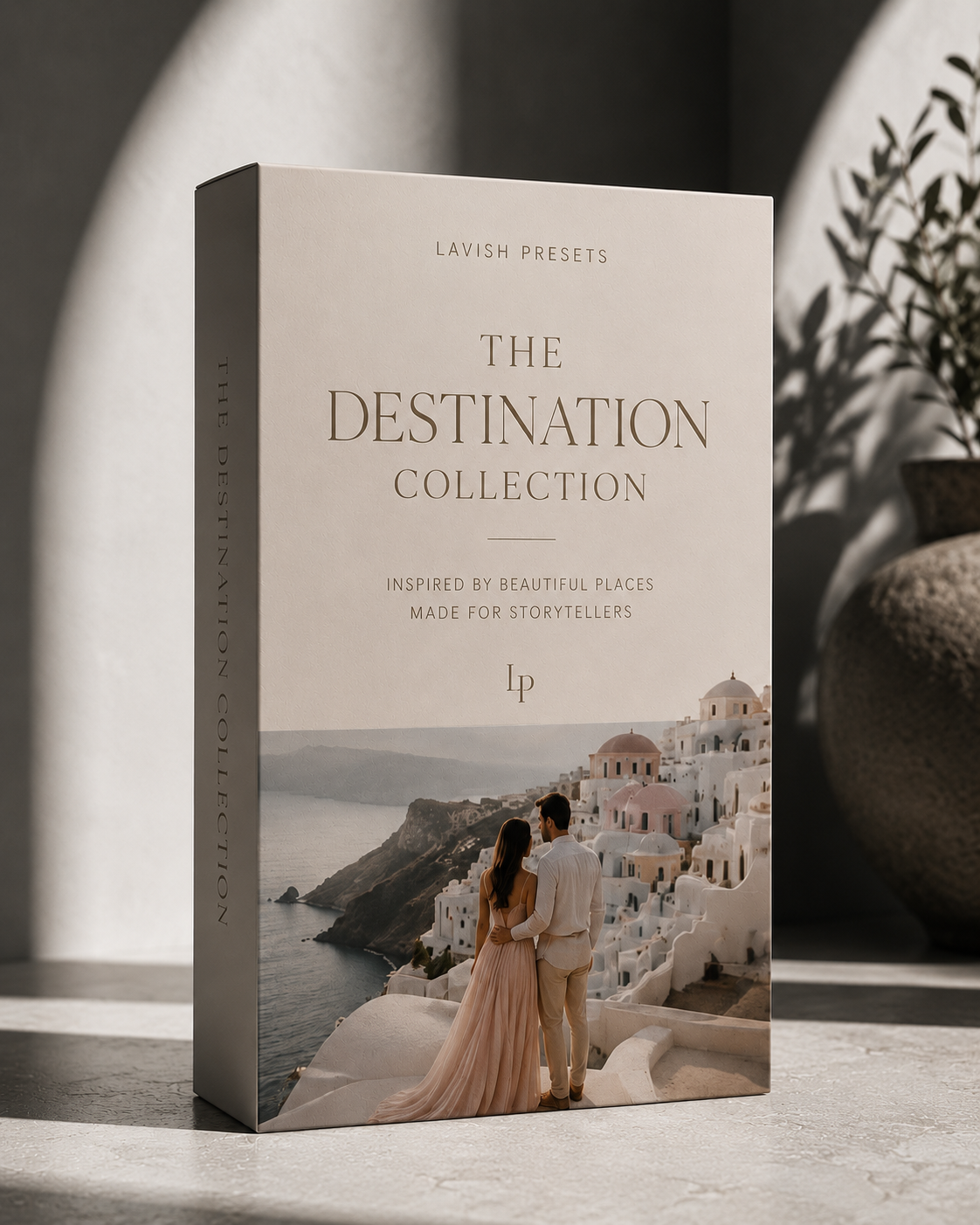
Destination CollectionInspired by the world’s most iconic places.
Bring the beauty of travel into every image — sun-soaked coastlines, romantic city streets and dramatic landscapes, all in one cohesive grade.
Mobile FAQ
No. These mobile presets work with the free Adobe Lightroom Mobile app on both iPhone and Android.
Each purchase includes a step-by-step mobile installation guide. You simply save the DNG files, open them in Lightroom Mobile, and create presets from them.
Yes — the mobile DNGs are built to match the look of the desktop .xmp presets, so your editing stays consistent across devices.
Absolutely. Every Lavish Presets license includes personal and commercial use.
Edit anywhere
Instant download · Desktop + Mobile · Lifetime updates included
Get Lightroom Mobile PresetsLet's Create Together
Whether you're booking a session, joining a retreat, or investing in your craft — we'd love to hear from you.