Collection
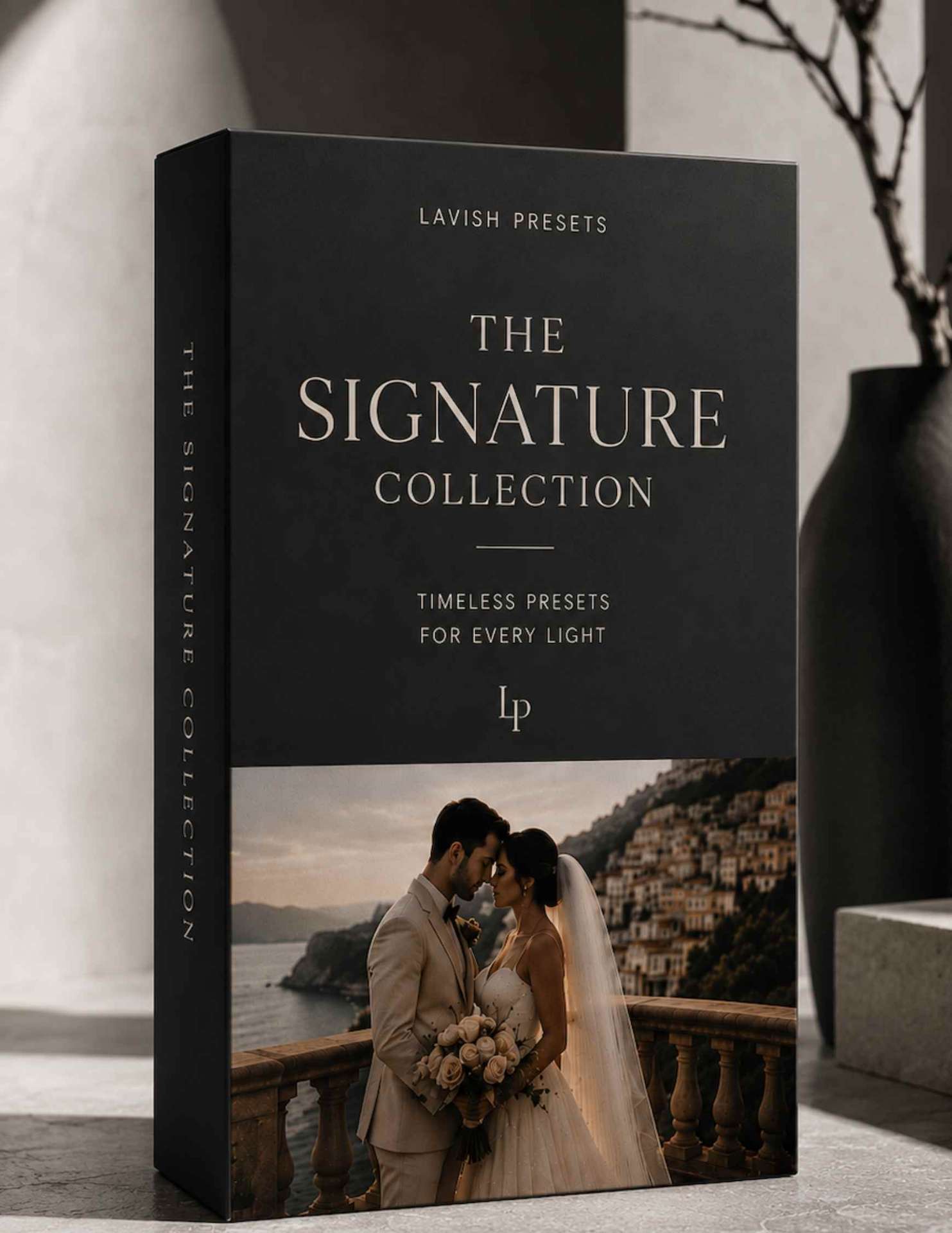
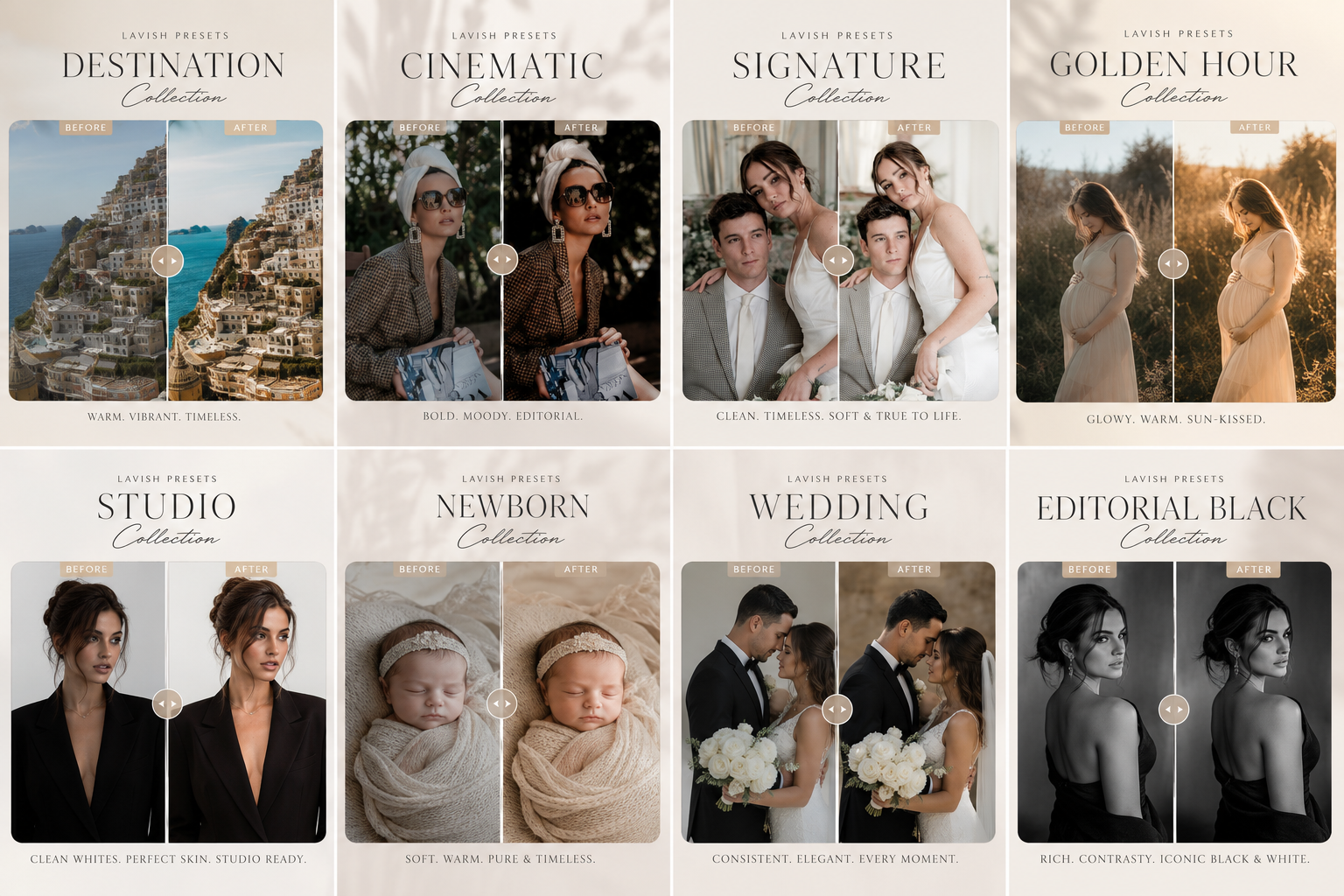
Signature CollectionTimeless. Elegant. Everyday.
Clean, true-to-life edits with soft light and beautiful skin tones — your go-to for families, couples, newborns and everyday portraits.
$79
✦ Free GiftClaim your signature Lightroom preset — on us.
The Lavish Preset Collection · Lightroom
You didn't become a photographer to disappear behind a screen for 40 hours after every wedding. These are the exact Lightroom presets behind our sold-out editorials — engineered on thousands of real skin tones so your galleries look warm, consistent, and undeniably luxury before your clients even ask when they'll be ready.
$1,200+ studio value · Yours from $79 · Instant download.
The Problem You're Actually Solving
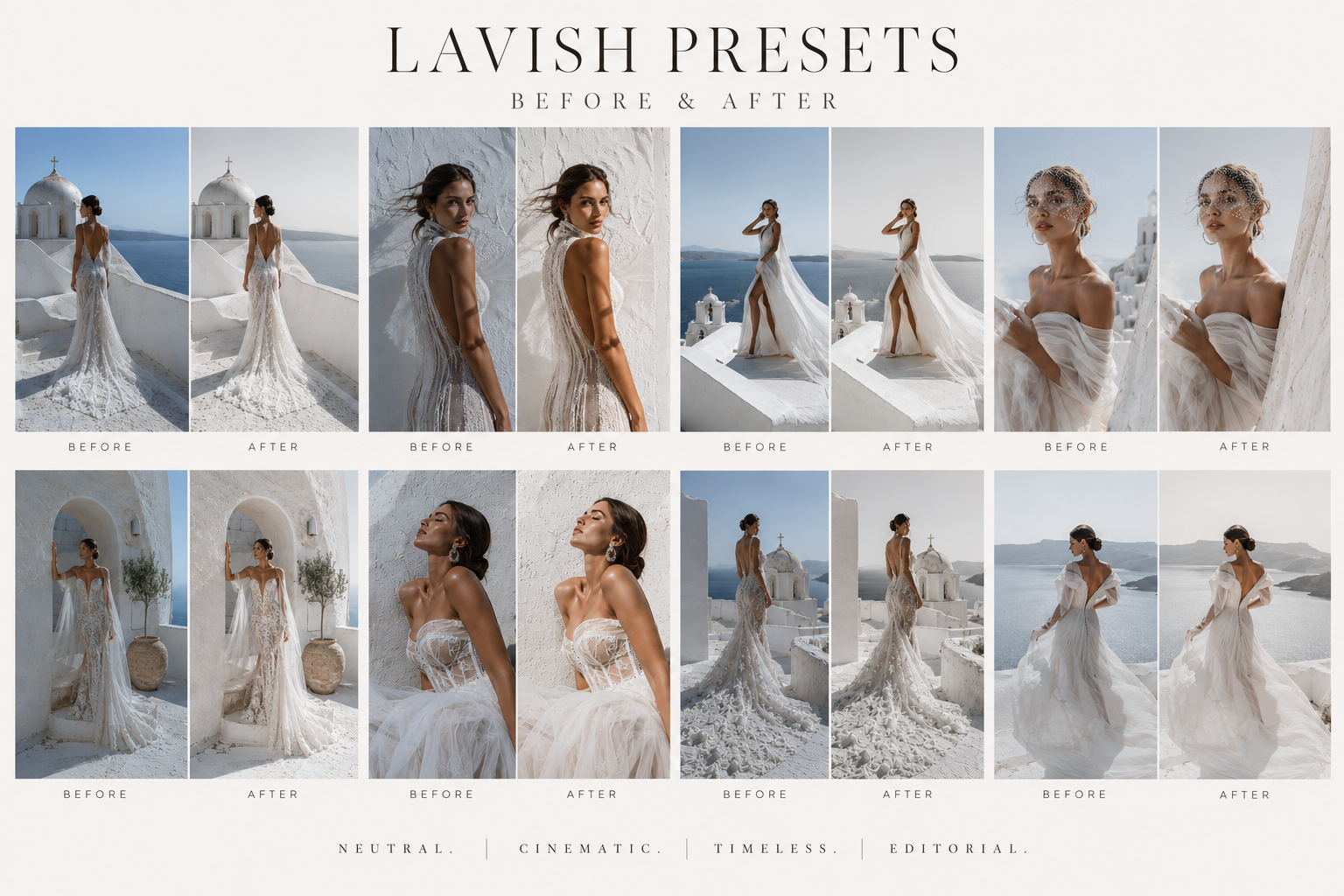
You know the drill. Sunday night. Cold coffee. Twelve hundred RAW files staring back at you. Every gallery looks slightly different from the last one, your delivery times are creeping past six weeks, and you're quietly wondering if this business is sustainable. It is — you're just editing the hard way. Lavish Presets are handcrafted color foundations that finish a wedding gallery in a single evening while preserving natural skin tones and the editorial finish luxury clients pay premium prices for.
Choose Your Signature
Every collection ships with desktop + mobile files, install guides and a personal-use + commercial license. One purchase. One weekend. A completely new gallery.
Collection
Signature CollectionTimeless. Elegant. Everyday.
Clean, true-to-life edits with soft light and beautiful skin tones — your go-to for families, couples, newborns and everyday portraits.
Collection
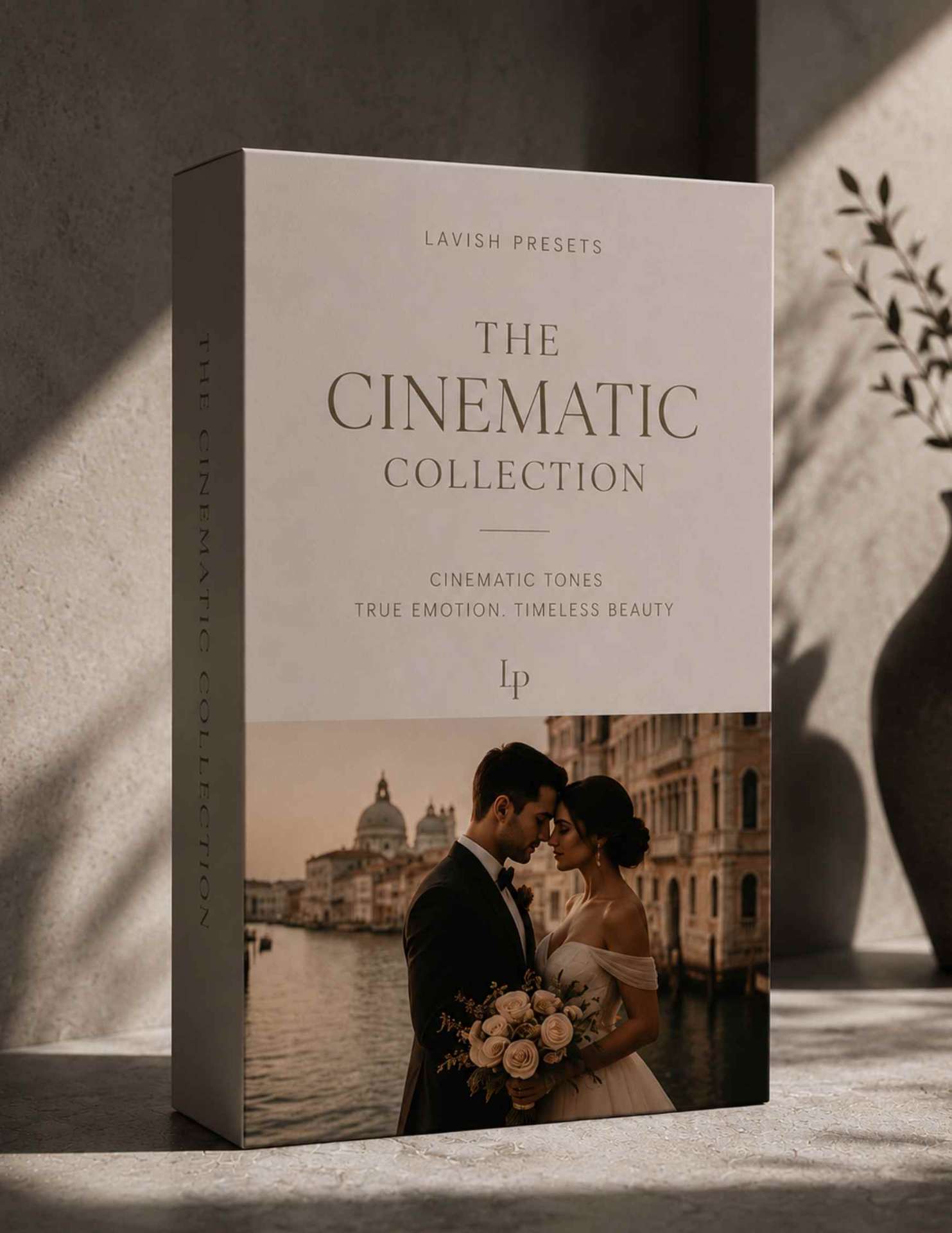
Cinematic CollectionBold. Editorial. Storytelling.
Rich contrast, dramatic depth and luxurious tones that turn every image into a fashion-film masterpiece.
Collection
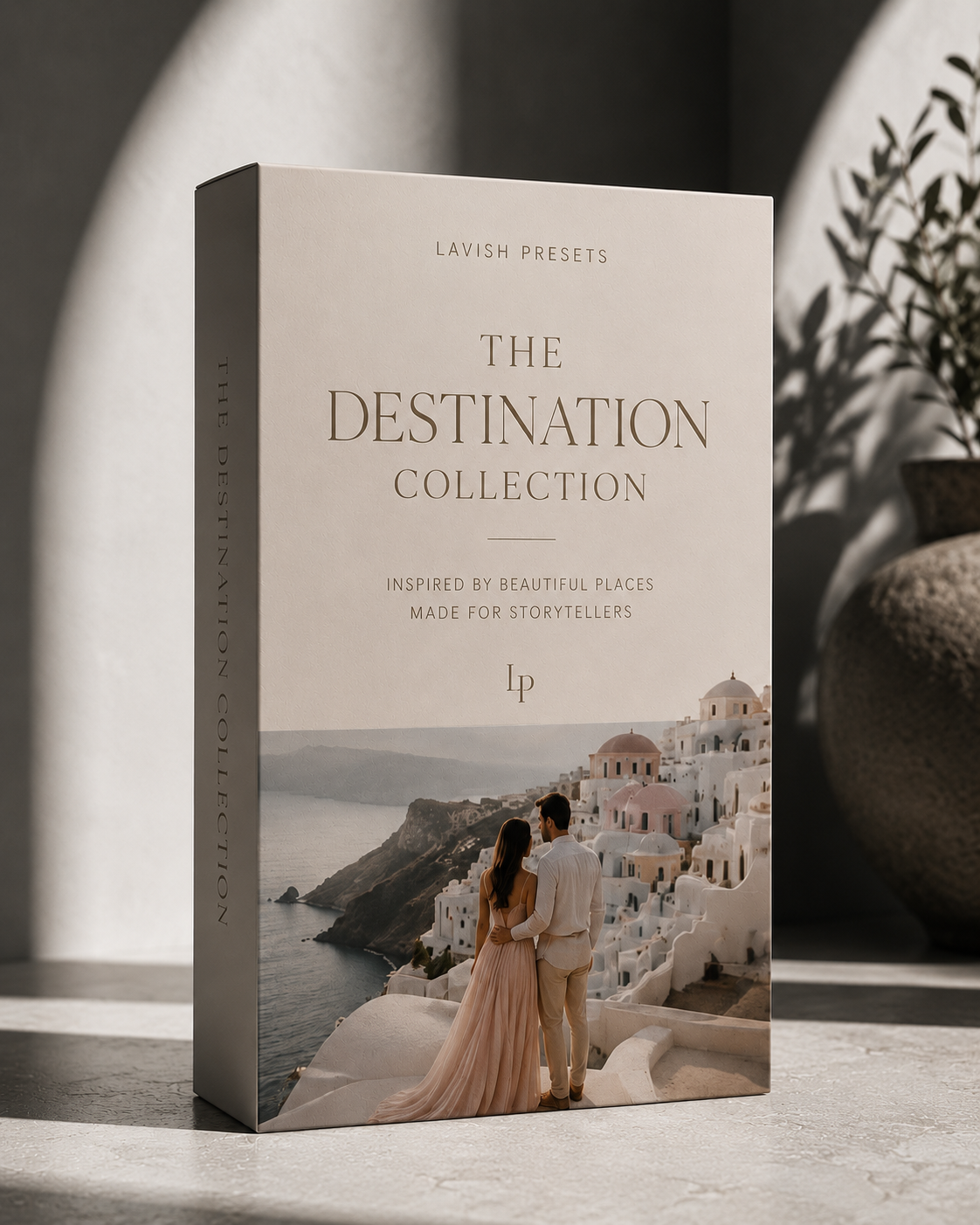
Destination CollectionInspired by the world’s most iconic places.
Bring the beauty of travel into every image — sun-soaked coastlines, romantic city streets and dramatic landscapes, all in one cohesive grade.

Collection
Complete CollectionThree collections. Fifteen presets. Endless creativity.
All Signature, Cinematic and Destination presets — plus future updates. The entire Lavish color library in one purchase.
Lavish Presets for Mobile
You don't need a camera, a laptop, or a single editing lesson. You need one tap.
Everyone's phone is already full of good moments — the beach light, the birthday, the coffee on a clean table, the outfit you actually liked. They just look flat next to the photos you save for inspiration. That gap isn't your camera. It's color.
Every Lavish collection includes mobile .dng files for the free Lightroom Mobile app. Install them once, and from then on editing is a single tap on any photo in your camera roll — warm skin, rich shadows, that soft editorial finish, in about ten seconds.
Works on iPhone & Android · Free app · No subscription required
Download the free app
Lightroom Mobile is free on the App Store and Google Play. No subscription, no camera, no laptop.
Import your Lavish files
Tap the + icon, add the .dng files we email you, then ••• → Create Preset. Takes about two minutes, once.
Tap one preset. Done.
Open any photo from your camera roll, tap your Lavish preset, and export. Your whole feed suddenly matches.
Phone photos only
Built and tested on iPhone and Android camera-roll photos — not just RAW files.
One tap, ten seconds
No sliders to learn. Tap, adjust brightness if you like, share.
Instant delivery
Emailed the moment you check out, with a short install video.
Real skin tones
Warm, editorial color that never turns anyone orange or grey.
Every slider is one single photo — flat straight out of camera on the left, finished with a Lavish preset on the right.
Scroll →
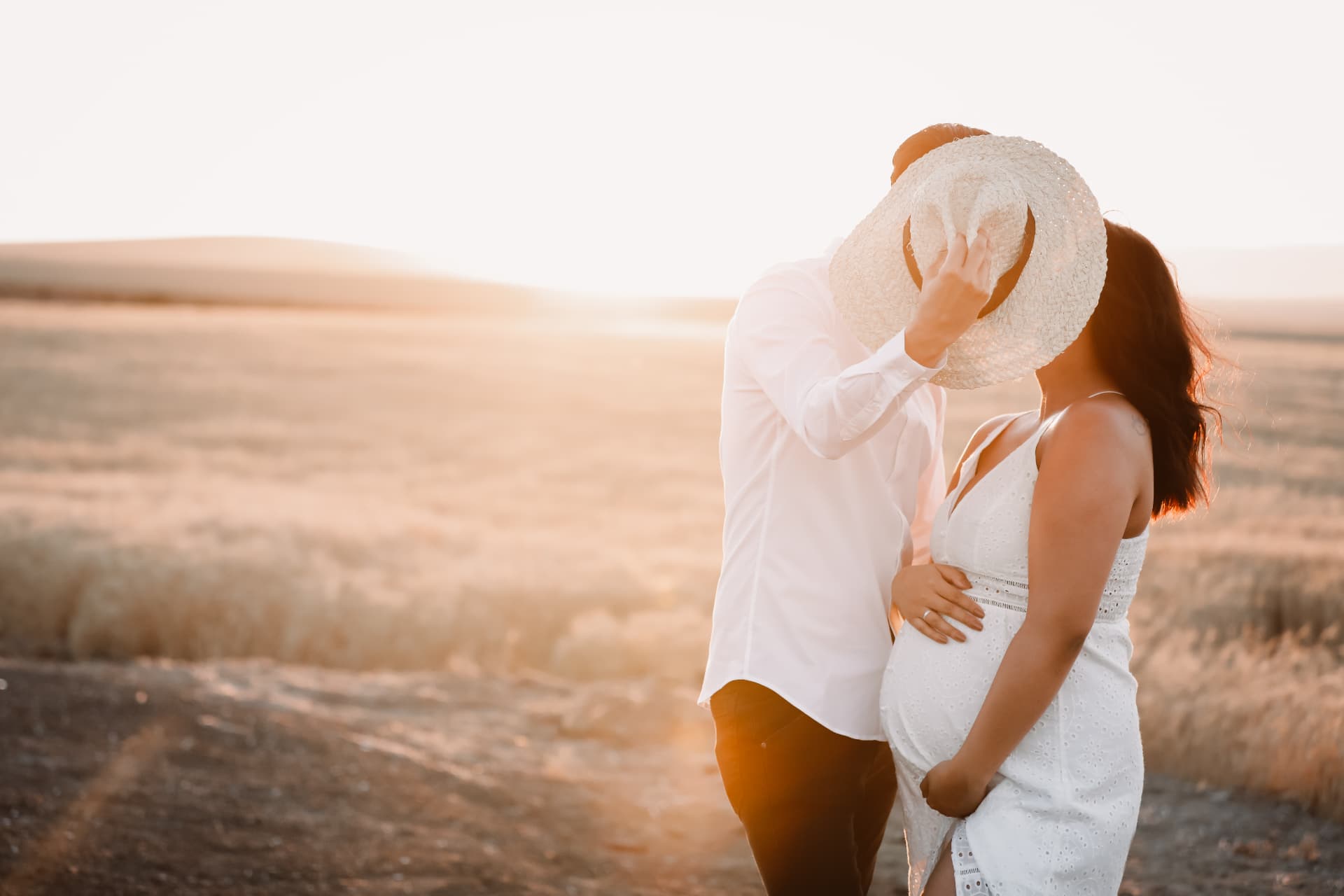
Maternity glow
Signature · Soft blush skin tones
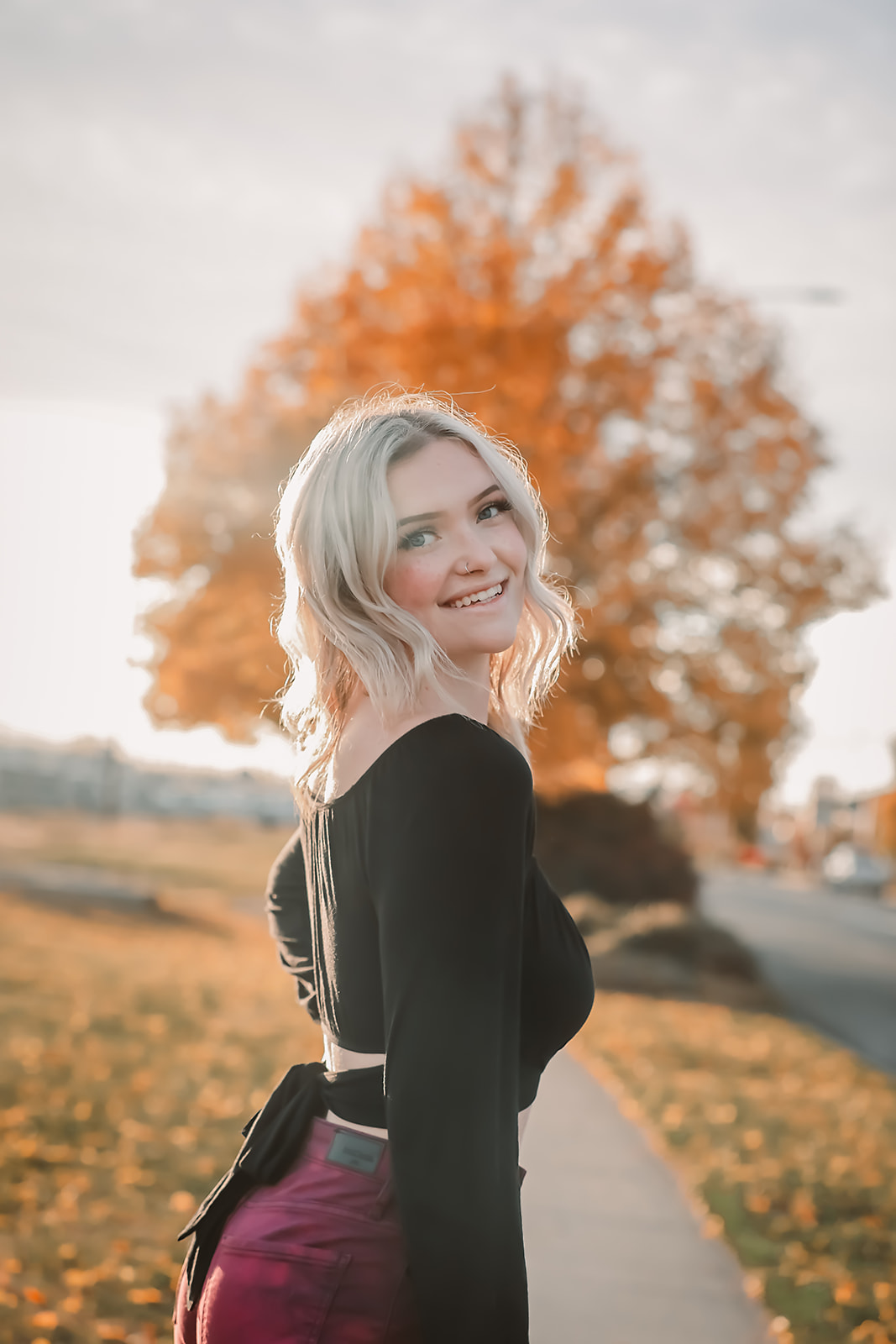
Golden hour portrait
Cinematic · Deep shadows, warm skin
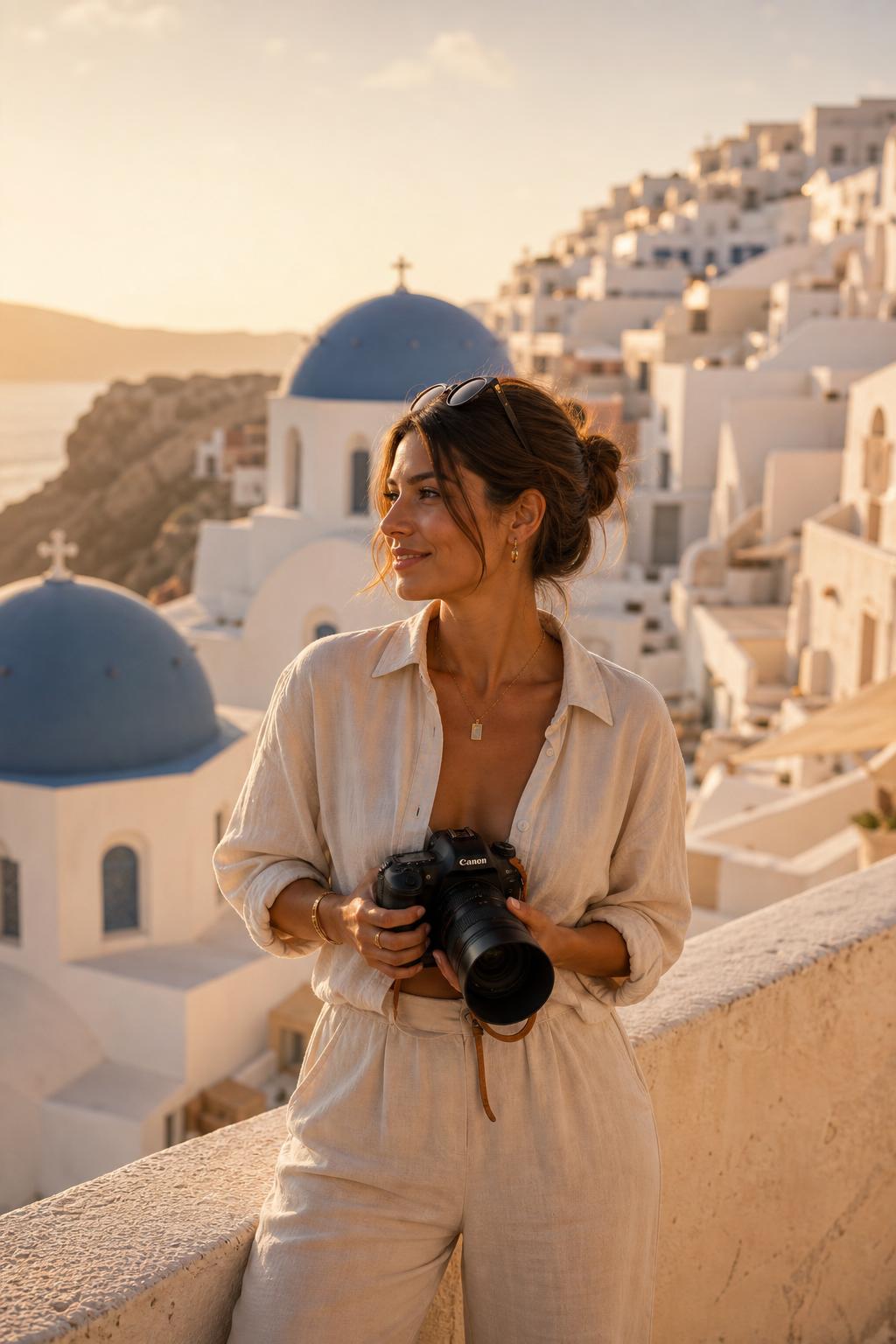
Santorini blue
Destination · Crisp Aegean whites
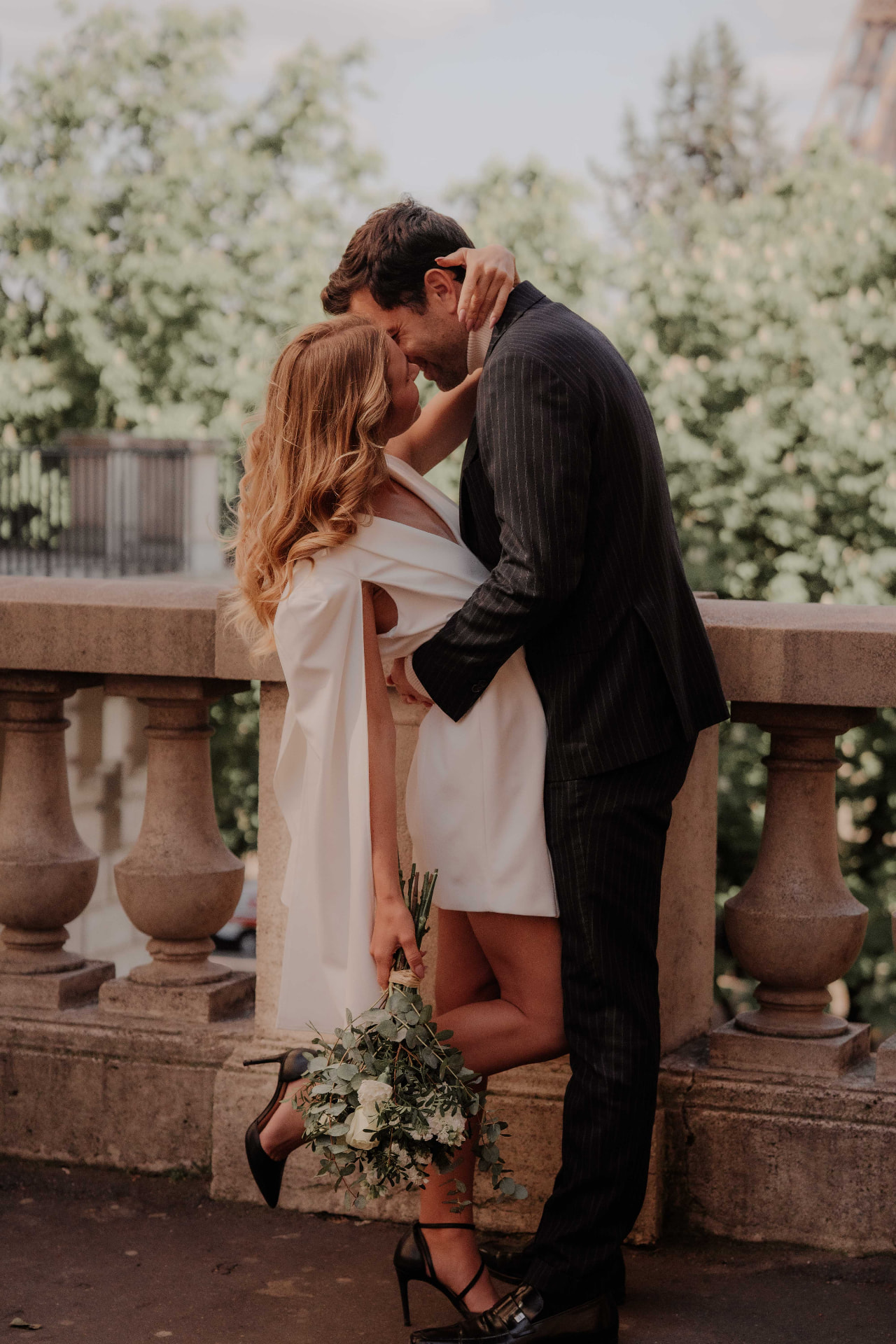
Paris couple
Signature · Golden editorial glow
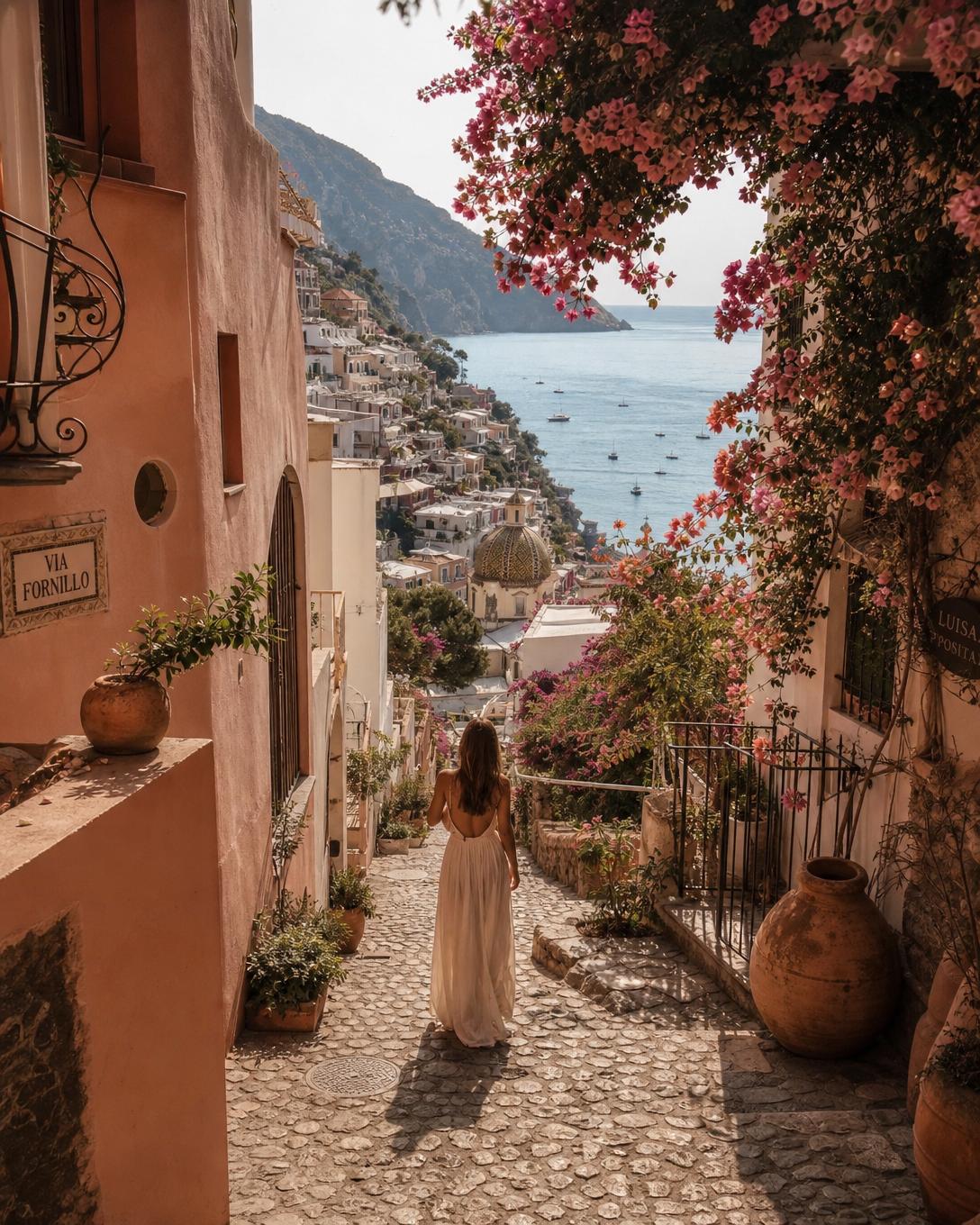
Positano street
Destination · Sunlit Amalfi tones
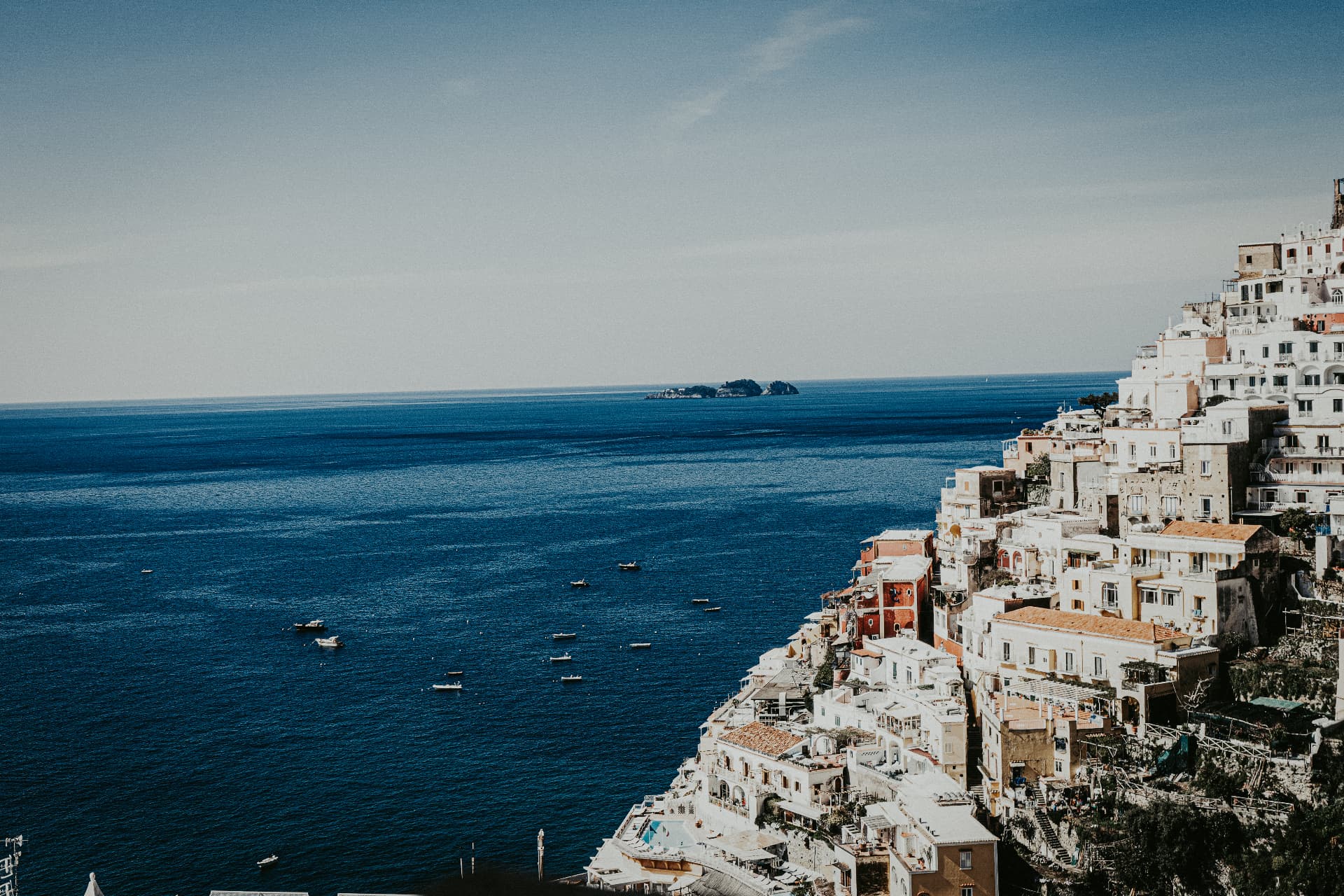
Amalfi coastline
Destination · Crisp Tyrrhenian blues
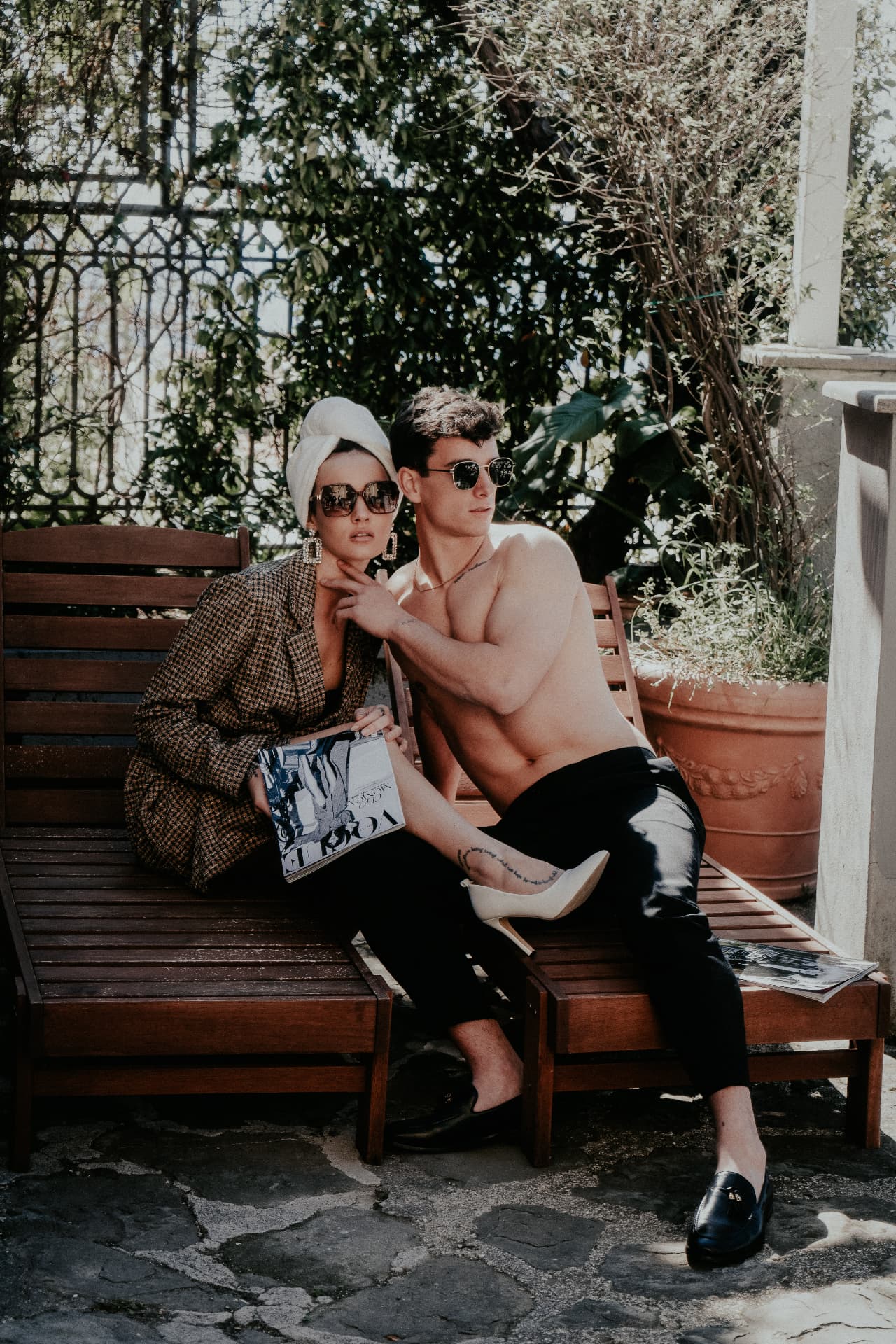
Poolside editorial
Cinematic · Rich filmic shadows
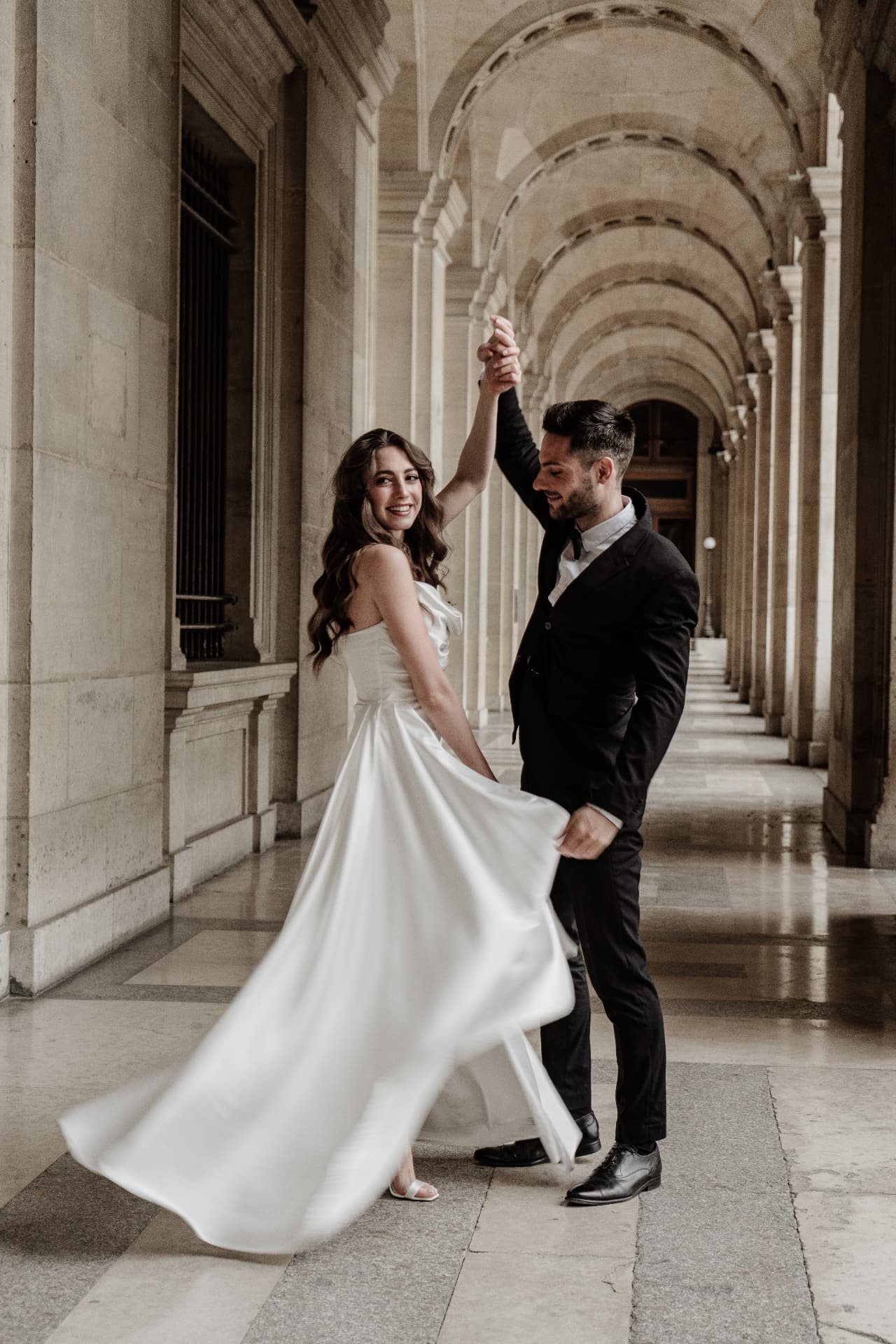
Louvre bride
Signature · Ivory whites, soft warmth
The Full Library
Destination, Cinematic, Signature & the Complete Collection.
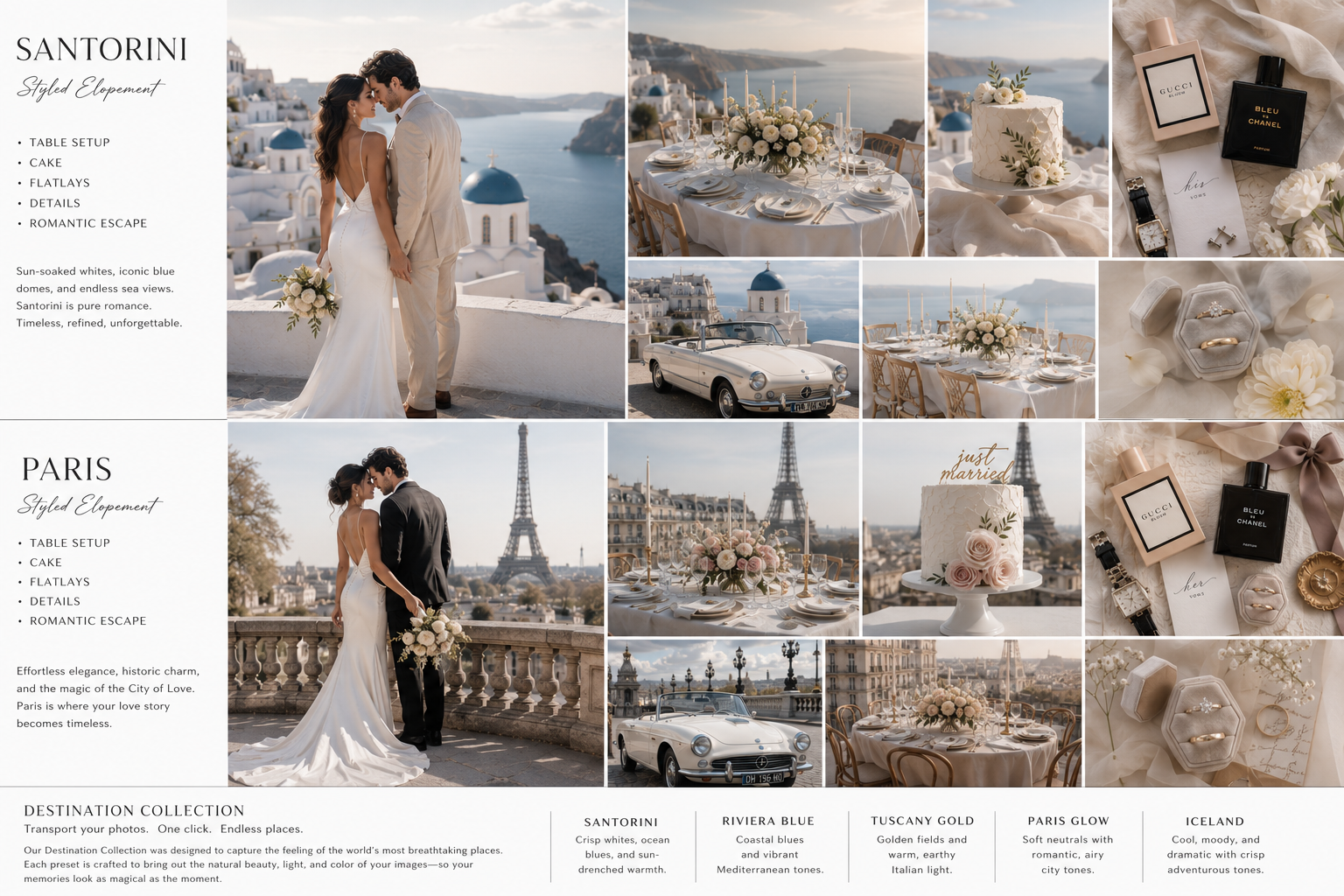
Destination Collection
Santorini · Riviera Blue · Tuscany Gold · Paris Glow · Iceland — five looks engineered for the world's most breathtaking places.
Loved by Photographers
See what photographers are saying about Lavish Presets.
“Lavish Presets have completely elevated my editing. My galleries are more consistent, my clients are obsessed, and I edit in half the time.”
Jessica M.
Wedding Photographer
“The colors are stunning and true to life. I finally found presets that work in every situation — from golden sunsets to overcast days. I'm excited to join an international Lavish Retreat next year to build my portfolio even more.”
Kayla R.
Family Photographer
“Lavish Presets didn't just change my editing — it changed my pricing. Clients now book me for the look before they even ask about packages.”
Marcus T.
Portrait & Brand Photographer
Lavish Presets
Everything you need to know
Premium Lightroom presets designed to help photographers achieve timeless, elegant edits in one click — crafted to save time while delivering consistent, luxury results.
Yes — Lightroom Classic (7.3+), Lightroom CC, Lightroom Mobile (DNG files), and Adobe Camera Raw.
They're designed for a wide variety of lighting and skin tones. Every photo is unique, so small adjustments may be needed to fit your style.
After purchase you'll receive an instant download link with your .xmp preset files. In Lightroom Classic go to the Develop module → right-click the Presets panel → Import Presets → select the .xmp files. In Lightroom CC go to the Edit panel → Presets icon → three-dot menu → Import Presets. Your Lavish collection will appear under 'User Presets' and is ready to click across any photo. Download the PDF install guide ↓ · Watch the walkthrough →
Every collection includes matching .dng mobile files — free with your desktop purchase. Download the .dng bundle to your phone, open the Lightroom Mobile app (free from the App Store or Google Play), tap the + icon and import each .dng as a photo. Open a .dng, tap the ••• menu → Create Preset, name it, and save it to a 'Lavish' group. Sign in with a free Adobe ID to sync your presets across every device — no paid subscription required. Download the PDF install guide ↓ · Watch the walkthrough →
Try these in order. 1) Unzip first — .dng files must be extracted from the .zip before importing; iOS Files app and Android downloads can hide the raw file inside the archive. 2) Import as a photo, not a preset — tap the + / Add Photos icon and select the .dng from your camera roll or Files; do not use 'Import Presets' (that's for desktop .xmp only). 3) 'Unsupported file format' usually means the download finished partway — re-download over Wi-Fi and confirm the file size matches the email. 4) File shows but no preset appears — open the .dng, tap the ••• menu (top right) → Create Preset, name it, save to a 'Lavish' group; the preset then lives under Presets → User Presets on every photo. 5) Preset missing on your other devices — sign in to the same free Adobe ID on each device and give it a minute to sync. 6) Colors look off after applying — the .dng carries the edit, not the camera profile; set Profile to Adobe Color or your camera's matching profile, then re-apply. 7) Still stuck? Email hello.angelajohnson@gmail.com with your device, Lightroom version, and a screenshot — we'll walk you through it personally.
Yes — Lavish Presets can be used for both personal and commercial projects. See our License Agreement for full details.
Because Lavish Presets are instant digital downloads, all purchases are final — we can't accept returns or offer refunds once files have been delivered. If something isn't working on your end, email hello.angelajohnson@gmail.com and we'll personally help you get set up.
Join our email list and follow us on Instagram — you'll be first to know about new collections, updates and exclusive offers.
Retreats are intentionally kept small. Lavish customers get early access, priority invitations, and VIP offers — join the list to never miss the next adventure.
Resources
Download the installation guide and preview our welcome kit.
Your Weekends Back. Your Prices Up.
Instant download · Lifetime updates · Personal + commercial license · All sales final
Join 2,000+ photographers already editing the Lavish way
Shop the Collection · $79Let's Create Together
Whether you're booking a session, joining a retreat, or investing in your craft — we'd love to hear from you.